Head to head · 2026
CapCut vs Descript (2026): a vertical cut vs a transcript cut — which job?
CapCut wins a vertical you will finish on a timeline. Descript wins a show you will cut by deleting text. They are not interchangeable, and the cheaper CapCut Free seat is usually the wrong reason to choose.
Gregory Greenstein, Aiacent
- Published
- Updated
- Pricing verified
- 16 min read
- How we rank
At a glance
| CapCut | Descript | |
|---|---|---|
| Score | 8.1/10 | 8.0/10 |
| Best for | Creators and social teams who cut vertical video where TikTok already lives. | Podcasters and talking-head teams who will cut a show by deleting text. |
| Skip if | You needed a calendar (Later), a tile you did not design (Predis), or a clipper for a file you will not watch (Opus Clip). | You needed a meeting recap, a clipper, or a blog-to-video shop — not an editor. |
| The job | Best TikTok-native editor | Best text-based show editor |
| From | The editor is free; Pro is the honest seat if AI captions and no watermark are the weekly habit | Free is a taste; Hobby / Creator is the honest editor seat |
CapCut
8.1/10Best TikTok-native editor
The TikTok-native editor — captions, templates, and a cut you will actually finish.
CapCut is the editor we would hand anyone whose TikTok job is a cut. Captions. A hook. A template you will actually open on a phone. AI is leverage on that desk — auto captions, a cleanup pass, effects. It is not a reason to skip Later if nothing is queued, or Predis if the tile never existed.
- Best for
- Creators and social teams who cut vertical video where TikTok already lives.
- Skip if
- You needed a calendar (Later), a tile you did not design (Predis), or a clipper for a file you will not watch (Opus Clip).
Why it ranks
- The timeline TikTok creators already know — you will finish the cut
- Auto captions, templates, and AI effects that match the channel, not a desktop NLE
- Free is honest. That still matters on a creator P&L
Watch-outs
- Not a scheduler. An editor will not post the week
- Not a creative shop. Templates still look like templates if you do not recut the type
- ByteDance-adjacent TOS and watermarks are a conversation for some brands
Product look · figure pending
CapCut
Best for. Creators and social teams who cut vertical video where TikTok already lives.
Skip if. You needed a calendar (Later), a tile you did not design (Predis), or a clipper for a file you will not watch (Opus Clip).
No vendor screenshot until a rights-cleared file exists at public/figures/capcut.png. We do not hotlink app UIs.
Descript
8.0/10Best text-based show editor
Edit the tape by editing the transcript — a show editor, not a meeting bot.
Descript is the editor we would hand a weekly podcast or a talking-head YouTube that is already recorded. You get a transcript. You delete the ramble. The timeline follows. Studio Sound cleans the room. Overdub patches a word if you trained the voice. That is a production job.
- Best for
- Podcasters and talking-head teams who will cut a show by deleting text.
- Skip if
- You needed a meeting recap, a clipper, or a blog-to-video shop — not an editor.
Why it ranks
- Cutting a podcast by deleting a paragraph is still the feature people remember
- Studio Sound and Overdub fix rooms and flubs without opening Premiere
- Screen recording plus a transcript is a real explainer desk
Watch-outs
- Not Otter — it will not caption the standup and write HubSpot
- Not Opus Clip — it will not invent eight Shorts from a two-hour file you refuse to watch
- Easy to treat Underlord as a showrunner. It is a junior assistant
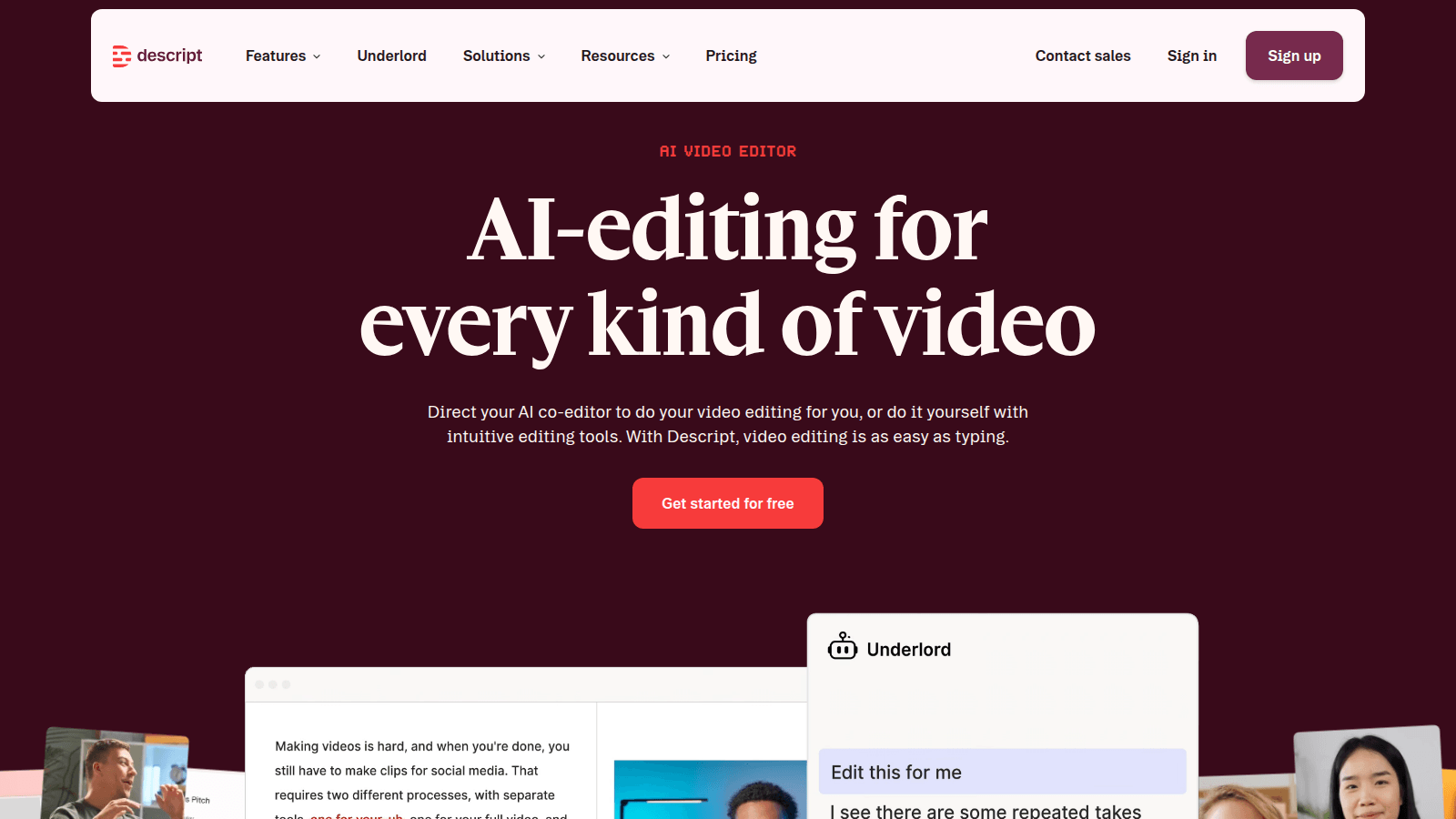
Both products will hand you a cut. That is where the overlap ends, and it is why 'CapCut vs Descript' is a bad 2026 question if you have not named the file. A vertical you will caption and ship this afternoon, and a podcast you will cut by deleting a paragraph, are different seats. Mixing them up is how you pay Descript Creator for a TikTok nobody sat with — or stay on CapCut Free and still have a two-hour ramble in Drive.
This page is the two-way, winner by job. Descript pricing is the media-hour and AI-credit math. Is Descript worth it is the subscription decision if only one logo is in the cart. The video ranking is the generator table. The YouTube ranking is the published-channel desk. Opus Clip is the clipper if you will not sit with either timeline. Read this one if both logos are already in the deck.
The public bills, in one place
CapCut Standard (Free) is a real editor — trim, captions you will recut, templates, export. CapCut Pro is listed at $19.99 a month or $179.99 a year for individuals on CapCut's Standard vs Pro guide (capcut.com/resource/capcut-standard-vs-pro, dated 20 August 2026, rechecked 19 September 2026). The same page says a Team plan 'starts at around $24.99 per month' — that 'around' is the vendor's word, and CapCut Help is blunt that checkout moves by region, device, and promotion. Confirm the in-app card. We will not freeze a Team sticker the Help pages will not print as a single global number. Pro is the watermark / premium-asset / AI-caption habit, not a reason to skip Free if the cut already ships.
Descript Free is $0 — 60 media minutes a month, 100 one-time AI credits, 720p watermarked. Hobbyist is $24 a person a month, or $16 billed annually — 10 media hours, 400 AI credits, 1080p, no watermark. Creator is $35, or $24 billed annually — 30 hours, 800 credits, 4K; up to 3 editors, billed each. Business is $65, or $50 billed annually — 40 hours, 1,500 credits, Brand Studio; up to 5 editors. Enterprise is a quote. Those rows were checked against descript.com/pricing on 19 September 2026 — the same ladder as Descript pricing. Media hours are imported or recorded media. AI credits are Underlord, Studio Sound, Green Screen, Eye Contact, generated media, avatars. Confirm checkout.
| If this is the cut job | Buy | Skip |
|---|---|---|
| A vertical you will caption, recut, and ship this week | CapCut (Free if the cut already ships; Pro if the paywall is the weekly habit) | Descript as a cheaper TikTok editor |
| A show you will cut by deleting text — podcast, talking-head YouTube | Descript (Hobbyist if occasional; Creator if weekly) | CapCut as a transcript desk |
| Eight Shorts from a two-hour file you refuse to watch | Neither — Opus Clip. Is Opus Clip worth it. | Either timeline as a clipper you will not sit with |
| A standup, a 1:1, or a customer call you needed notes on | Neither — Otter. Descript vs Otter. | Either editor as a meeting bot |
| A blog, a script, or a URL that has to become a Reel | Neither — Pictory. Video ranking. | Either logo as a blog-to-video shop |
| A screen-plus-face explainer you will not sit with | Descript if you will delete text; CapCut if you will cut the timeline | Either as a reason to skip the recording |
| You needed one tasteful cut and will not open a timeline | Neither — skip the category, or stay on the NLE you already finish | Either subscription as a hobby you will not open |
Buy CapCut if the expensive part is the vertical you did not finish
CapCut earns the seat when someone will sit on a timeline TikTok already taught them: hook, captions, a template you will recut so it does not look like every other For You video. That is why it scores 8.1 as the TikTok-native editor. Worth the sticker means Free is enough until the Pro paywall is the weekly launch — then $19.99 a month, or $179.99 a year, is cheaper than another week of Premiere-as-a-TikTok-tax.
Free is honest. That still matters on a creator P&L. Pro is premium templates, AI captions you will still read, and the cloud allotment CapCut's own guide advertises — confirm the in-app GB, because Help and marketing pages do not print one global number. Skip CapCut if the leak is a two-hour file you will not watch. Skip it if the leak is a show you will cut in a transcript. Skip it if nothing is queued — that is Later or Buffer, and the TikTok stack already says so. ByteDance-adjacent TOS is a conversation for some brands. We are not your lawyer.
- Best for: creators and social teams who already shoot vertical and will finish the cut
- Skip if: you needed a transcript editor, a clipper, a blog-to-video shop, or a scheduler
- Honest watch-out: a $180 Pro year that sits on unexported drafts is more expensive than Descript Hobbyist plus one show you will actually cut
Buy Descript if the expensive part is the ramble you did not delete
Descript earns the seat when the tape exists and someone will cut by deleting text: Studio Sound the room, Overdub a flub if you trained the voice, export without a watermark. That is why it scores 8.0 as the text-based show editor — first on the podcast ranking, not a meeting bot. Worth the sticker means a $16 Hobbyist year (or a $24 Creator year billed annually) is cheaper than another week of uncut Zoom while the show does not ship.
Free is 60 media minutes and a watermark — a taste, not a rollout. Hobbyist is the light solo editor. Creator is the weekly-show desk. Business is Brand Studio when several people cut on the same brand. Skip Descript if the leak is eight Shorts from a file you refuse to recut. Skip it if the job is a live standup recap. Skip it if someone will sit on a CapCut timeline and you have no show. Is Descript worth it is the subscription version of this paragraph. Descript vs Otter is the meeting two-way.
- Best for: solo podcasters and talking-head YouTube who already record and will actually cut
- Skip if: you needed a TikTok timeline, a clipper, a meeting recap, or a blog-to-video shop
- Honest watch-out: a Creator month that sits on uncut Zoom links is more expensive than CapCut Free plus one vertical you will finish
Head-to-head, by job
A Short, Reel, or TikTok that has to ship today
CapCut. The timeline is the feature people finish. Descript will export a vertical and will still feel like the wrong shape of tool if the painful part is captions-plus-hook on a phone. If nobody will cut, you are not a CapCut buyer — you are shopping for a clipper, and that is Opus Clip.
A podcast or talking-head episode that has to lose the ramble
Descript. Deleting a paragraph is still the habit other show editors get compared to. CapCut can cut the same file and will still feel like a social editor if the painful part is a 40-minute A-roll. If nobody will read the transcript, you are not a Descript buyer either — you are shopping for a clip pile, and that is Opus.
Price, honestly
CapCut Free can look cheaper than Descript Hobbyist at $16 a year-toggle. It is not a savings story if you needed a show cut. Descript Free can look cheaper than CapCut Pro at $19.99. It is not a savings story if you needed a vertical calendar. Count cuts you will actually finish — not the homepage numeral. Confirm CapCut's regional cart. Confirm Descript's media hours.
Teams, brand kits, and a second login
Descript Business if several people cut on the same brand and someone has to own layouts — seats billed each, up to five. CapCut Team only after you have confirmed the in-app card; the vendor's own guide hedges the number. Do not buy either team row because a deck said 'AI studio.' A studio with a brand kit in Premiere is still an NLE. The YouTube ranking is the published-channel table. The TikTok ranking is the short-form table.
What neither tool should be
- Your clipper for a file you will not watch. That is Opus Clip.
- Your meeting bot. That is Otter — Descript vs Otter.
- Your blog-to-video shop. That is Pictory.
- Your avatar studio. That is HeyGen or Synthesia.
- Your scheduler. That is Later or Buffer — the TikTok stack.
- A 'which editor is more AI' trophy. We did not run 400-cut bake-offs or invent a review count.
CapCut is what we open when the question is 'will this vertical ship today.' Descript is what we open when the question is 'can we delete the ramble.' Mixing them up is how you buy a timeline and still cannot find the episode — or the Short.— Aiacent comparison, 2026
Verdict
A vertical you will finish: CapCut — Free if the cut already ships, Pro when the paywall is the weekly habit, confirm the regional cart. A show you will cut by deleting text: Descript — Free to taste the transcript, Hobbyist if occasional, Creator if weekly, Business when several editors share a brand. Long file you will not watch: neither; Opus Clip. Meeting notes: Otter. Blog or URL: Pictory. Then read Descript pricing if the fight is media hours, is Descript worth it if only one logo is in the cart, the video ranking if you want the generator scores, and the YouTube ranking if the cut is a published channel.