Buyer's guide · 2026
Descript alternatives (2026): what to buy instead — and when Descript still wins
Most teams shopping Descript alternatives needed a meeting recap, a clipper, or a blog-to-video shop — not a cheaper transcript editor. Here is how to pick.
Gregory Greenstein, Aiacent
- Published
- Updated
- Pricing verified
- 14 min read
- How we rank
At a glance
| Otter.ai | Opus Clip | Pictory | |
|---|---|---|---|
| Score | 7.9/10 | 7.7/10 | 7.6/10 |
| Best for | Teams that live in Zoom and cannot pay Gong prices. | Teams sitting on webinars, podcasts, or YouTube who need clips, not a new shoot. | Content marketers who need lots of acceptable video, not a film. |
| Skip if | You already standardized on Gong or a dedicated revenue-intelligence stack. | You do not have long video. That is Pictory's URL-to-video job, or a blank strategy. | You have a designer, a real editor, or brand-film standards. |
| The job | Best affordable meeting notes | Best long-to-short clips | Best for blog-to-video |
| From | Free limited, Pro widely used, Business for teams | Starter plans typically from the mid-teens per month; extra minutes cost extra | Starter about $25/month billed annually; Professional about $35; Team about $119 |
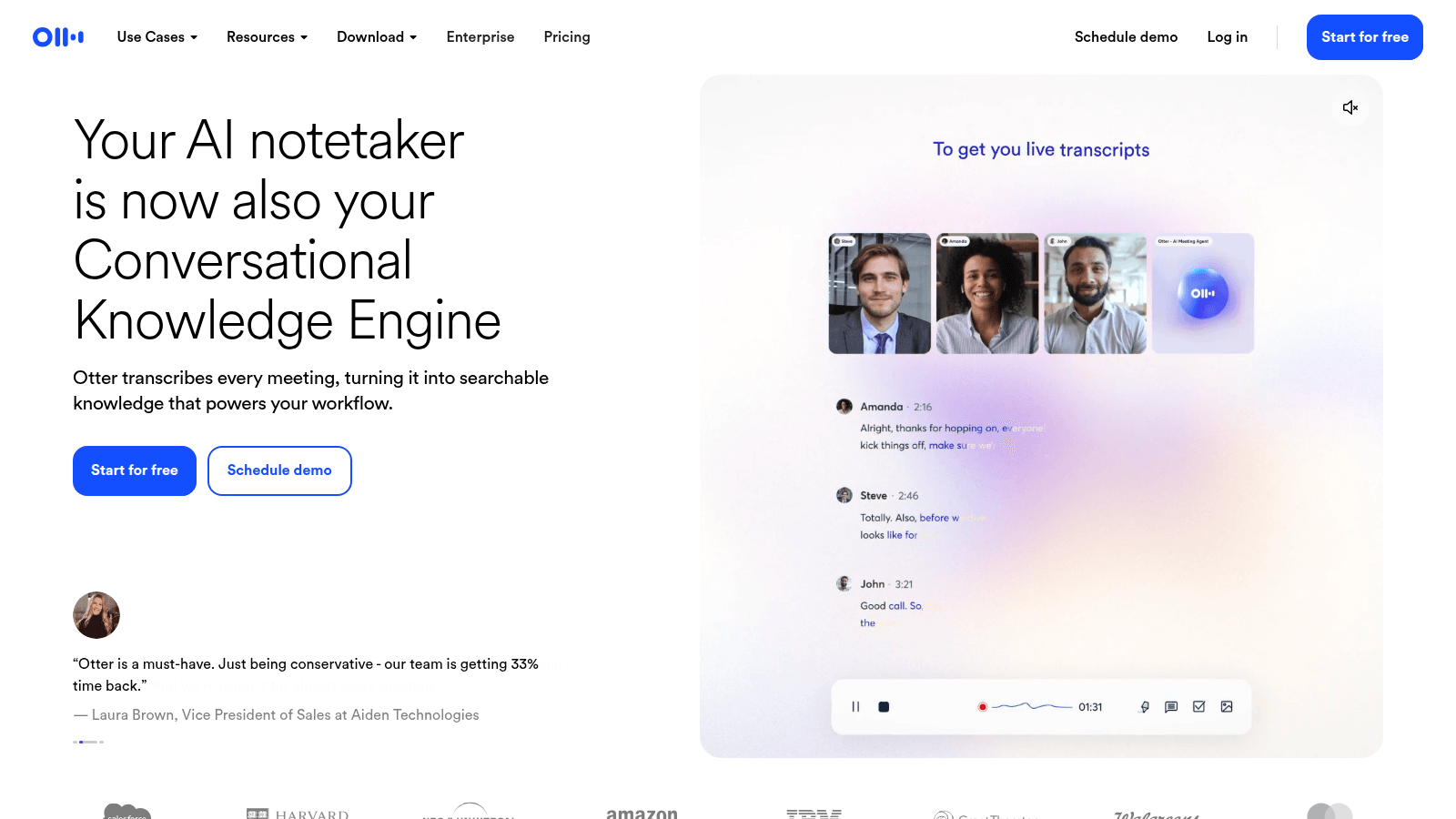
Otter.ai
7.9/10Best affordable meeting notes
Meeting notes that sales, product, and CS will actually search.
Otter is the meeting-notes tool we recommend when you are not buying a revenue-intelligence platform. Transcripts, summaries, action items, a searchable archive. Live captions are still the habit other notetakers get compared to. For product and CS, that is often the whole job. Otter alternatives is the buyer-intent version if you are trying not to buy it.
- Best for
- Teams that live in Zoom and cannot pay Gong prices.
- Skip if
- You already standardized on Gong or a dedicated revenue-intelligence stack.
Why it ranks
- Reliable transcripts and summaries at a sane price
- Good enough for product, CS, and light sales coaching
- Live notes people can share into Slack
Watch-outs
- Not Gong — deal intelligence is not the point
- Speaker labels still slip on crowded calls
- Yet another bot in the meeting if you do not set norms
Opus Clip
7.7/10Best long-to-short clips
Turn a long video into a pile of shorts — if you already filmed something.
Opus Clip does one job: take a long recording and spit out short, captioned verticals. Podcasts, webinars, a YouTube A-roll. That is a real social bottleneck in 2026. It is not 'AI video' in the Pictory or Synthesia sense.
- Best for
- Teams sitting on webinars, podcasts, or YouTube who need clips, not a new shoot.
- Skip if
- You do not have long video. That is Pictory's URL-to-video job, or a blank strategy.
Why it ranks
- Finds talk-to-camera moments faster than a human scrub
- Captions and vertical crops that are good enough for Shorts and Reels
- Honest about being a clipper, not a studio
Watch-outs
- Garbage long video becomes garbage shorts, faster
- Hook selection still needs a human who understands the audience
- Not a blog-to-video tool and not a scheduler
Product look · figure pending
Opus Clip
Best for. Teams sitting on webinars, podcasts, or YouTube who need clips, not a new shoot.
Skip if. You do not have long video. That is Pictory's URL-to-video job, or a blank strategy.
No vendor screenshot until a rights-cleared file exists at public/figures/opus-clip.png. We do not hotlink app UIs.
Pictory
7.6/10Best for blog-to-video
Turn a blog or script into a decent social video.
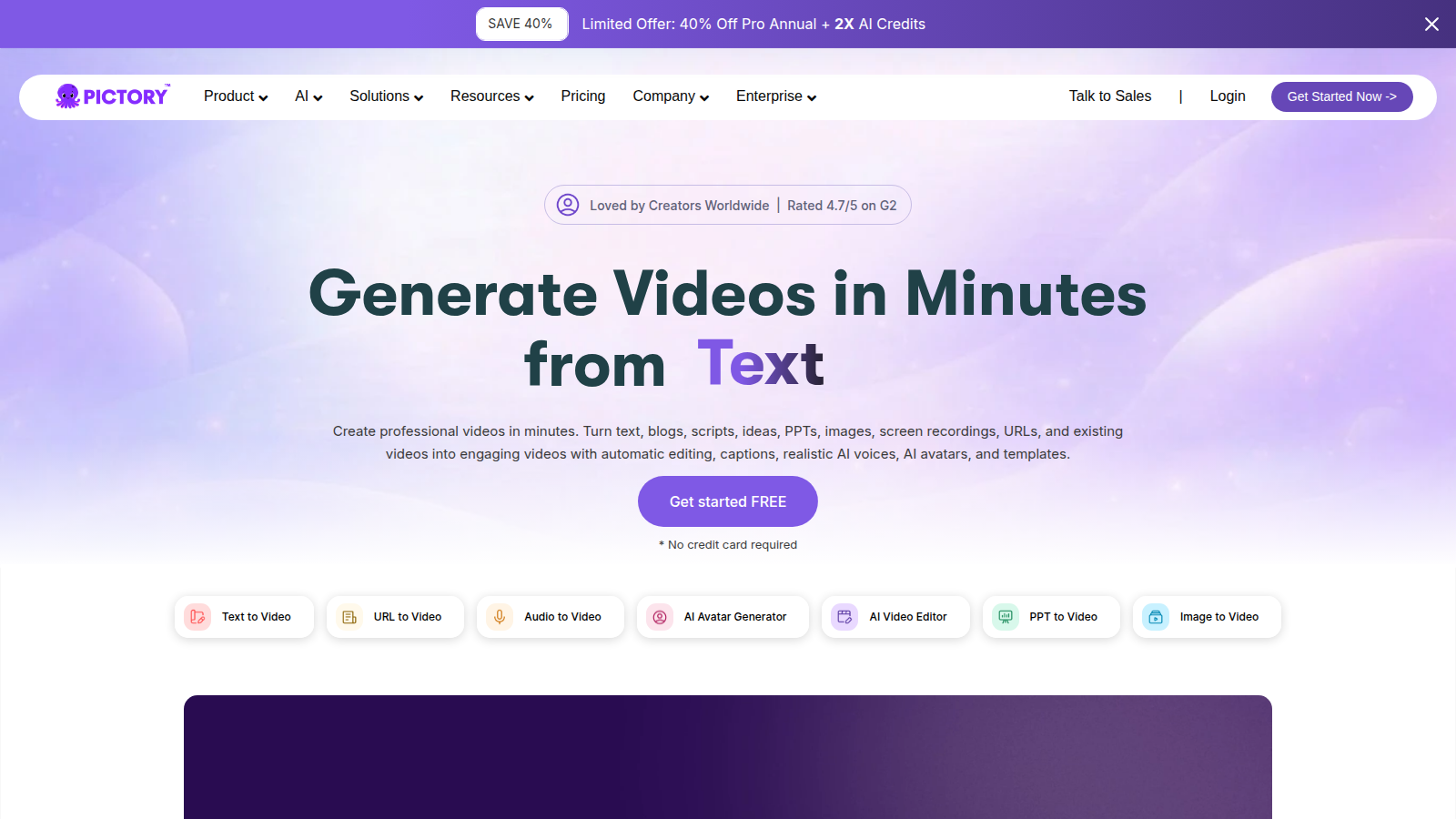
Pictory does one job well: it turns a script or URL into a captioned video with stock b-roll and a voice. For teams sitting on a blog archive and a social calendar, that is a real bottleneck-remover.
- Best for
- Content marketers who need lots of acceptable video, not a film.
- Skip if
- You have a designer, a real editor, or brand-film standards.
Why it ranks
- Blog-to-video is genuinely faster than opening Premiere
- Captions, stock, and voiceover in one pass
- Good enough for YouTube explainers and LinkedIn native video
Watch-outs
- Looks like AI video if you do not swap stock and tighten pacing
- Not a substitute for product shoots or brand films
- Voiceovers still have that 'explainer energy'
People search 'Descript alternatives' for three reasons, and only one of them is 'Descript is bad.' The other two: the file was never a show — they needed a meeting recap — or the buyer wanted clips or a blog-to-video cut and got pitched a transcript editor. If you do not name which of those is true, you will buy Otter to 'edit the podcast' and still have an uncut file, or Opus Clip because the blog archive is sitting there.
This is a decision page, not a dump list. The three products below are real alternatives for a named job. The AI video ranking is avatars vs blog-to-video vs cinematic. The YouTube ranking is the published podcast-adjacent channel desk — script, thumbnail, Pictory, Opus Clip. Read this one if you are trying to not buy Descript — or to keep it on purpose.
When Descript still wins
Stay on Descript — or buy Hobby / Creator — when the tape already exists and the job is a cut: a weekly podcast, a talking-head YouTube, a screen-plus-face explainer. Delete the ramble in the transcript. Studio Sound cleans the room. Overdub patches a word if you trained the voice. That is a production habit. The teams that like it treat Descript like a junior editor with a keyboard. The teams that hate it wanted a recap and got a timeline.
Free is a tutorial. Creator is the honest seat if you ship a show. Skip Descript if nobody will sit with the transcript, if the input is a URL, or if you needed eight Shorts from a file you refuse to watch. Those are the rows below.
- Keep Descript: podcasters and talking-head teams who will actually cut by deleting text
- Leave Descript: meeting recap (Otter), long-to-short clips (Opus Clip), blog or script to video (Pictory)
- Honest watch-out: a better notetaker will not ship episode 12, and a clipper will not replace a show editor
The decision, in order
1. You needed a recap, not a cut
Otter. This is the alternative most 'we bought Descript for Zoom' tickets should have bought. Live notes, a shareable recap, a price a product team will pay. Fireflies if the archive has to talk to the CRM. Fathom if the card was the objection. Transcription ranking is the scored table. Otter alternatives and Fireflies alternatives are the buyer-intent versions. Descript will transcribe. It will not become your meeting OS.
2. The hard part is already on disk, and you needed Shorts
Opus Clip. This is the alternative most 'Descript feels heavy for clips' tickets should have bought. Podcasts, webinars, a 20-minute YouTube that should already be eight Shorts. Watch every hook. Garbage long video becomes garbage Shorts, faster. If you do not have long video, you are in Pictory's lane or you do not have a video program. YouTube ranking and the social ranking say the same thing.
3. The input is a post or a script, not a recording
Pictory. Paste the URL or the script, get a storyboard, swap the stock, read the captions. Honest production assistant for an explainer — not Premiere, not a podcast editor, not a clipper. Video ranking is the longer version. Pictory vs Synthesia if the other tab is an avatar. Buying Descript because you needed 'make this article a video' is how a transcript editor sits on an empty timeline.
Skip these alternatives if you still needed Descript
- Skip Otter if you are cutting a show. A recap will not ship episode 12.
- Skip Opus Clip if you do not have long video. A clipper will not invent a podcast.
- Skip Pictory if the input is a recording, not a URL. A storyboard is not a transcript editor.
- Skip the whole page if the leak is the record button. That is Riverside — podcast ranking — not an editor.
Otter vs Opus Clip — the comparison people actually need
The expensive mix-up, once you have left Descript, is treating Opus Clip as Otter-with-a-face, or Otter as a cheaper show editor. Otter is a meeting recap: live notes, a shareable summary, a price a product team will pay. Opus Clip is long-to-short: a 20-minute YouTube that should already be eight Shorts. They barely compete. A team whose leak is the standup should fund Otter. A creator whose leak is unused long tape should fund Opus Clip. Buying Otter to edit a podcast, then living with an uncut file, is how this category wastes a quarter.
If you have not left Descript yet, stay when the tape exists and someone will sit with the transcript. Is Descript worth it and Descript pricing are that bill — Free is a tutorial; Creator is the honest seat if you ship a show, as of 20 September 2026 on descript.com. If both leftover jobs are real — a recap and Shorts — buy the leak that already has an owner. Then read Descript vs Otter, is Otter worth it, is Opus Clip worth it, and the podcast stack if you were about to add Riverside and a fourth editor in the same week.
What is not an alternative
- CapCut / Premiere / Final Cut — use them if that is where you already cut. They are not a reason to skip Descript's transcript loop if the transcript is the habit.
- Riverside / Zencastr — capture and a recording studio. Fine if the leak is the record button. Not an editor.
- ElevenLabs — a voice. Overdub is a patch, not a host you did not record. Voice ranking.
- A faceless-channel farm that promises 30 episodes a week from a keyword list
Most 'we need a Descript alternative' tickets are an Otter ticket, an Opus Clip ticket, or a Pictory ticket. The word alternative is doing too much work.— Aiacent, 2026
Verdict
Do not start from a list of logos. Start from the leak. The tape exists and you will cut by deleting text → Descript still wins. You needed a recap → Otter, then the transcription ranking. You needed Shorts from a long file → Opus Clip, then the YouTube ranking. You needed a video from a post → Pictory, then the video ranking. Then stop buying a fourth editor because a podcast ad said AI louder.