Buyer's guide · 2026
Notion AI alternatives (2026): what to buy instead — and when Notion AI still wins
Most teams shopping Notion AI alternatives needed a better brain, a careful long-doc writer, a Microsoft 365 seat, polish in every box, or a real meeting recorder — not a cheaper wiki chatbot. Here is how to pick.
Gregory Greenstein, Aiacent
- Published
- Updated
- Pricing verified
- 13 min read
- How we rank
At a glance
| ChatGPT | Claude | Microsoft Copilot | Grammarly | Otter.ai | |
|---|---|---|---|---|---|
| Score | 8.3/10 | 8.2/10 | 7.7/10 | 8.2/10 | 7.9/10 |
| Best for | Anyone who needs a strong general writer, researcher, and editor in one tab. | Operators who write from long sources and want a model that will push back. | Microsoft 365 shops that wanted a draft in the file they are already in. | Anyone who writes in public — support, sales, docs, and execs included. | Teams that live in Zoom and cannot pay Gong prices. |
| Skip if | Several people have to sound like the same company every week — that is Jasper's job. | You needed the cheapest Plus-shaped seat with plugins, or a shared brand desk. | You do not live in Word, Outlook, and Teams, or you needed a brand / GTM system. | You only write in one app that already has a great model. | You already standardized on Gong or a dedicated revenue-intelligence stack. |
| The job | Best default writing seat | Best careful ChatGPT alternative | Best Microsoft 365 alternative | Best everywhere writing layer | Best affordable meeting notes |
| From | Plus is $20/month; Team and Enterprise cost more | Pro is $20/month; Team and Enterprise cost more | Copilot Chat is free-ish; Microsoft 365 Copilot is a per-seat add-on | Free core, Pro for generative and tone | Free limited, Pro widely used, Business for teams |
ChatGPT
8.3/10Best default writing seat
The default brain. Still the right first writing seat for most people.
ChatGPT is the baseline every other AI writing tool has to beat. For a solo operator with a decent brief, Plus is still the correct first purchase in 2026: drafts, rewrites, outlines, and the ugly first pass on a landing page. Image generation in the same tab is a different review — ChatGPT Images on the 2026 image ranking. Claude vs ChatGPT is the two-way fight if the other tab in the meeting is Anthropic. ChatGPT vs Gemini is the two-way if the other tab is Google. Perplexity vs ChatGPT is the two-way if the other tab is a research engine. On a coding desk it is a helper tab, not an IDE — that ranking is AI coding. On an SEO desk it is a draft helper, not a content-score platform — that ranking is AI SEO.
- Best for
- Anyone who needs a strong general writer, researcher, and editor in one tab.
- Skip if
- Several people have to sound like the same company every week — that is Jasper's job.
Why it ranks
- The best generalist writer most operators will actually open
- Research, drafting, and editing in one thread beats a template farm
- Plus is cheap enough that 'should we buy a copy tool' is a real question
Watch-outs
- No shared brand voice unless you build the habit yourself
- Easy to publish confident filler if nobody owns the facts
- Not a campaign system, a sequencer, or a style-guide desk
Product look · figure pending
ChatGPT
Best for. Anyone who needs a strong general writer, researcher, and editor in one tab.
Skip if. Several people have to sound like the same company every week — that is Jasper's job.
No vendor screenshot until a rights-cleared file exists at public/figures/chatgpt.png. We do not hotlink app UIs.
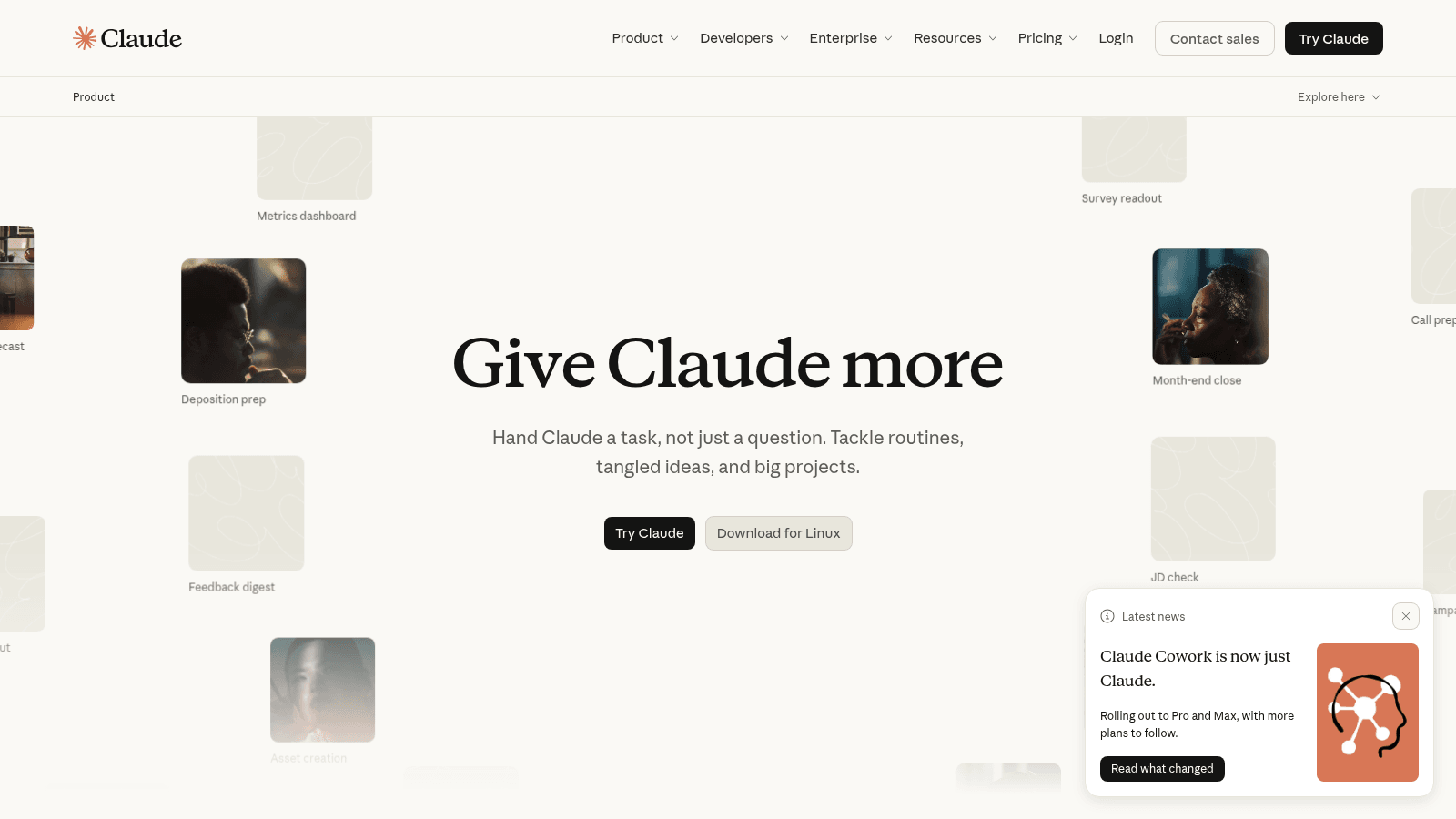
Claude
8.2/10Best careful ChatGPT alternative
The careful generalist — long drafts, messy docs, and fewer confident inventions.
Claude is the ChatGPT alternative we would actually switch to for writing, not the one we would buy to save money. Same $20 band. Different temperament: longer context, fewer swaggering citations, better at 'read this pile and do not hallucinate the brief.' Claude vs ChatGPT is the head-to-head by writing, coding, research, and long docs. Perplexity vs ChatGPT is the research-tab fight — Claude is the pile you already have, Perplexity is the public web.
- Best for
- Operators who write from long sources and want a model that will push back.
- Skip if
- You needed the cheapest Plus-shaped seat with plugins, or a shared brand desk.
Why it ranks
- Still the generalist we trust most on long, messy source material
- Pushes back instead of cheerfully inventing a citation
- Artifacts and projects are close enough to a writing room for one person
Watch-outs
- No shared brand-voice system — that is still Jasper
- Plugin and browsing culture is thinner than ChatGPT's
- Easy to treat a careful draft as a finished one
Microsoft Copilot
7.7/10Best Microsoft 365 alternative
The assistant that sits in Word, Outlook, and Teams — if you already pay for Microsoft 365.
Microsoft Copilot is a ChatGPT alternative only when Microsoft is already the operating system. The product that matters is the one inside Word, Outlook, and Teams — not the public copilot.microsoft.com tab, which is a fine chat window and a weak reason to switch. Grammarly alternatives is the version if the seat you are trying not to buy is the overlay, not the chatbot.
- Best for
- Microsoft 365 shops that wanted a draft in the file they are already in.
- Skip if
- You do not live in Word, Outlook, and Teams, or you needed a brand / GTM system.
Why it ranks
- Drafts where the email and the deck already live
- Enterprise controls that a consumer ChatGPT tab will not give legal
- Good enough meeting recap when Otter or Gong is the wrong shape of spend
Watch-outs
- As a naked chatbot, ChatGPT and Claude still write better prose
- The $30-class add-on is easy to buy for a company that will not change a habit
- Not Jasper, not Copy.ai, not Perplexity
Product look · figure pending
Microsoft Copilot
Best for. Microsoft 365 shops that wanted a draft in the file they are already in.
Skip if. You do not live in Word, Outlook, and Teams, or you needed a brand / GTM system.
No vendor screenshot until a rights-cleared file exists at public/figures/microsoft-copilot.png. We do not hotlink app UIs.
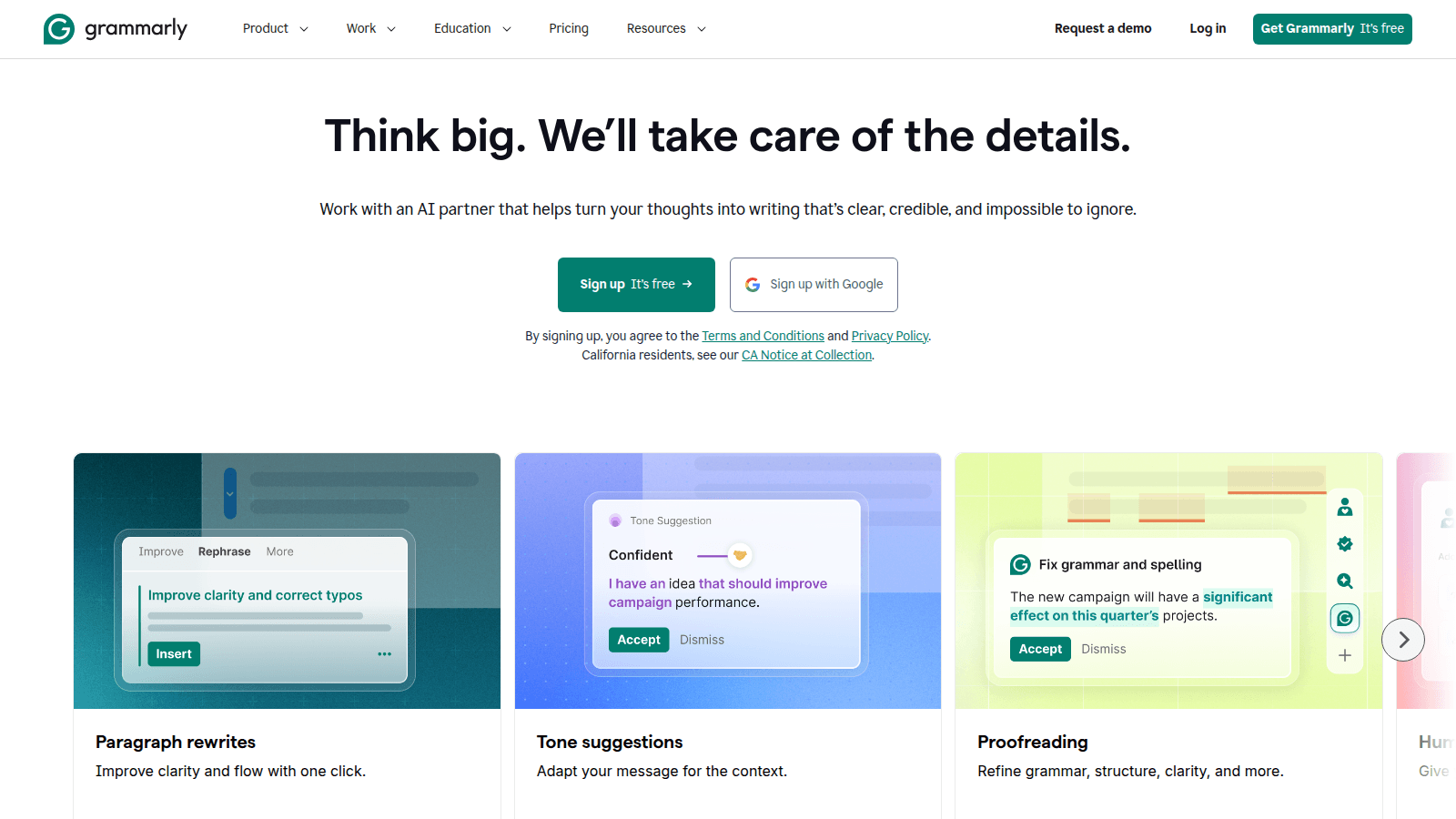
Grammarly
8.2/10Best everywhere writing layer
The writing layer that follows you into every text box.
Grammarly won by living in the text box. The AI era just gave it more to do: rewrites, tone, and drafts. We rank it as the writing layer for people who will not open a dedicated copy tool. Grammarly alternatives is the decision page if you are trying not to buy it — or to keep it on purpose.
- Best for
- Anyone who writes in public — support, sales, docs, and execs included.
- Skip if
- You only write in one app that already has a great model.
Why it ranks
- It is already in the browser when you need it
- Tone and clarity suggestions are still better than most built-in checkers
- Enterprise brand tones are underrated
Watch-outs
- Generative features are 'fine,' not a reason to dump Jasper
- Can nag
- Privacy-sensitive orgs need to read the enterprise docs, not the blog
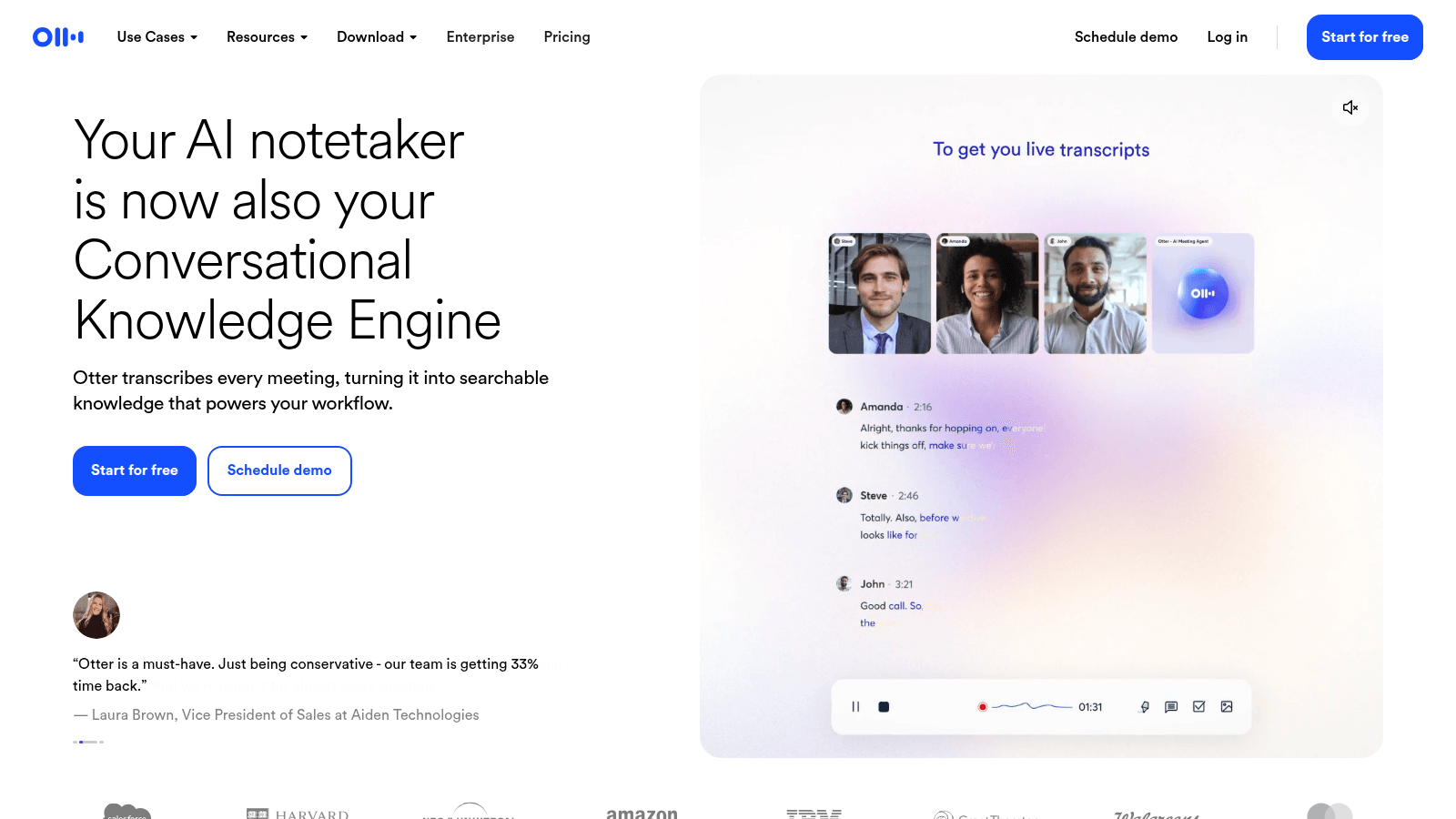
Otter.ai
7.9/10Best affordable meeting notes
Meeting notes that sales, product, and CS will actually search.
Otter is the meeting-notes tool we recommend when you are not buying a revenue-intelligence platform. Transcripts, summaries, action items, a searchable archive. Live captions are still the habit other notetakers get compared to. For product and CS, that is often the whole job. Otter alternatives is the buyer-intent version if you are trying not to buy it.
- Best for
- Teams that live in Zoom and cannot pay Gong prices.
- Skip if
- You already standardized on Gong or a dedicated revenue-intelligence stack.
Why it ranks
- Reliable transcripts and summaries at a sane price
- Good enough for product, CS, and light sales coaching
- Live notes people can share into Slack
Watch-outs
- Not Gong — deal intelligence is not the point
- Speaker labels still slip on crowded calls
- Yet another bot in the meeting if you do not set norms
People search 'Notion AI alternatives' for three reasons, and only one of them is 'Notion AI is bad.' The other two: the wiki was never the bottleneck, or the buyer needed a frontier model and got pitched a workspace add-on. If you do not name which of those is true, you will buy ChatGPT and still miss the page you are on, or Copilot because IT nodded and then live in Word you did not want to move to.
This is a decision page, not a dump list. The five products below are real alternatives for a named job. The productivity ranking is where Notion AI sits next to Jasper, Grammarly, and Otter. The writing ranking is the copy-desk version. The transcription ranking is the meeting version. Read this one if you are trying to not buy Notion AI — or to keep it on purpose.
When Notion AI still wins
Stay on Notion AI — or buy it — when the knowledge is already in Notion and people will ask the wiki more than they will open another tab. Summaries, first drafts on the page, workspace Q&A with cite-back. Meeting notes that land next to the spec are a real 2026 feature. They are not a reason to fire Otter if capture is the job.
The models are fine, not thrilling. That is the trade: context of the page versus the best chat app in a vacuum. A messy wiki with a model on top is still a messy wiki. Clean the house a little first. Do not move the company to Notion to get a chatbot. Google-Doc and Microsoft 365 cultures should read the Copilot row, not this paragraph.
- Keep Notion AI: product and ops teams whose source of truth is already Notion
- Leave Notion AI: people who needed a frontier brain, a careful long-doc pass, an overlay in Gmail, or live meeting capture
- Honest watch-out: Q&A will confidently summarize folklore if the pages are folklore
The decision, in order
1. You needed a brain, not a wiki feature
ChatGPT. This is the alternative most 'Notion AI is mid' tickets should have bought. Drafts, rewrites, research, a Custom GPT that is close enough to a voice file for one person. It does not sit on the page. If the leak is 'I am already in the spec,' you will miss Notion. If the leak is 'the model is not good enough,' you are shopping for ChatGPT or Claude, not a different workspace AI.
2. The source is a pile, and you wanted a careful pass
Claude. Long PDFs, messy transcripts, a draft that will push back. Notion AI will summarize the page you are on. Claude will chew a folder. If you needed five bullets at the top of a Notion doc, Claude is overkill — and you should have stayed. Claude vs ChatGPT is the two-way if both tabs are already open.
3. The company already lives in Word, Outlook, and Teams
Microsoft Copilot. This is a Notion AI alternative only in the sense that IT will not let you move the wiki. Drafts in the file you are already in. Enterprise controls a consumer ChatGPT tab will not give legal. It will not give you Notion's database-and-Q&A habit. Do not migrate to Microsoft to get a chatbot either.
4. You needed polish in every box, not a generator on the page
Grammarly. Notion AI writes where the wiki lives. Grammarly follows you into Gmail, Zendesk, and Docs. Buying Notion AI because support replies have typos is how you stay disappointed. Grammarly alternatives if the overlay is the seat you are trying not to buy.
5. You needed the meeting, not the wiki
Otter. Live notes, a transcript, a summary you will actually search. Notion AI can land notes on a page. It is not the best live captioner, and it is not a searchable call archive. Fireflies if the archive has to talk to the CRM. Fathom if the card was the objection. The transcription ranking is the four-way. Do not buy Notion because someone said the meeting notes should live in the spec — buy the recorder, then paste.
What is not an alternative
- Jasper or Copy.ai — campaign and GTM desks. Wrong if the output is a spec. See Jasper alternatives.
- Mem, Reflect, and 'AI second brain' apps — a new wiki. You were trying to leave a wiki problem.
- A help-center agent (Fin) — customer-facing, not a teammate's Q&A.
- A 40-template Chrome extension you will not open in week four
Most 'we need a Notion AI alternative' tickets are a ChatGPT ticket, a Copilot ticket, or an Otter ticket. The word alternative is doing too much work.— Aiacent, 2026
Verdict
Do not start from a list of logos. Start from the leak. The wiki is already Notion and people ask it questions → Notion AI still wins. You needed a better model → ChatGPT, or Claude if the source is a pile. You live in Microsoft 365 → Copilot. Typos everywhere → Grammarly. The meeting is the job → Otter, then the transcription ranking. Then read the productivity ranking if you want the scores in one table, and the writing ranking if the output is a campaign.