Tool review · Productivity
Grammarly
The writing layer that follows you into every text box.
Gregory Greenstein, Aiacent
- Published
- Updated
- Pricing verified
- How we rank
The Aiacent take
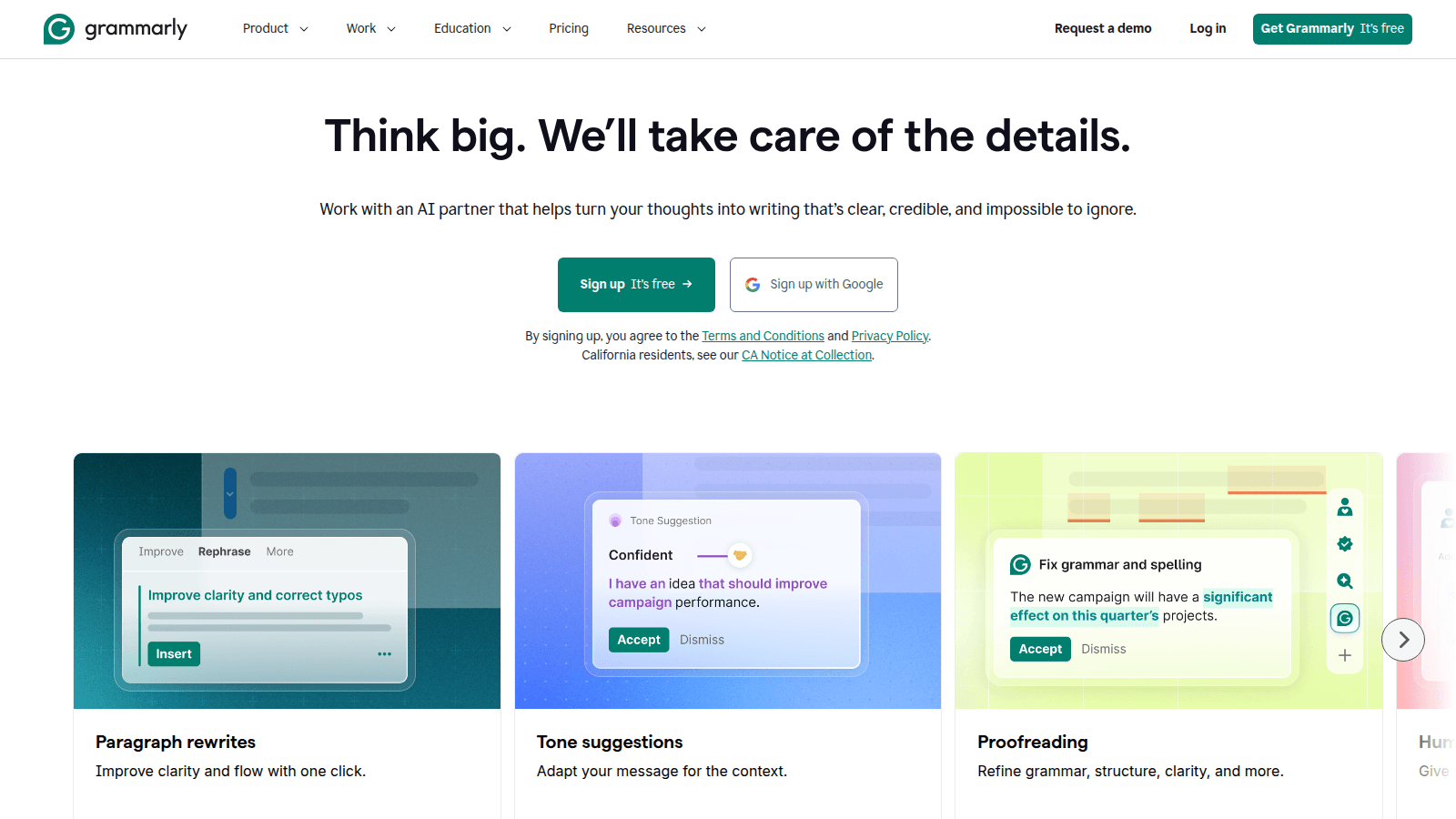
Grammarly won by living in the text box. The AI era just gave it more to do: rewrites, tone, and drafts. We rank it as the writing layer for people who will not open a dedicated copy tool. Grammarly alternatives is the decision page if you are trying not to buy it — or to keep it on purpose.
It will not replace a campaign system. It will stop your support team from sending 'per my last email' energy to customers. LanguageTool is the cheaper overlay. ChatGPT and Claude are generators. Jasper is a desk. Mixing those up is how 'Grammarly alternatives' lists waste a morning.
Pros
- It is already in the browser when you need it
- Tone and clarity suggestions are still better than most built-in checkers
- Enterprise brand tones are underrated
Cons
- Generative features are 'fine,' not a reason to dump Jasper
- Can nag
- Privacy-sensitive orgs need to read the enterprise docs, not the blog
Who it's for
- Companies that write across Gmail, Zendesk, Docs, and Slack
- Non-native English teams
- Execs who type faster than they reread
Who should skip it
- Teams that only draft in Jasper or Google's native tools and like them
What matters in the product
Suggestions everywhere
The product. If the extension is blocked, you bought a very expensive website.
Generative rewrite
Helpful for polish. Do not let it flatten every sentence into LinkedIn-speak.
Verdict
Still the default writing overlay. Pair it with a specialist tool when the writing is the product.
Try GrammarlyFAQ
Refund and cancel terms are not listed here because we do not republish unpublished vendor policies. Check the vendor checkout and help center before you buy.