Stack guide · 2026
A sane AI stack for coaches (2026): a ladder, not a 40-tool coaching OS
Start with ChatGPT and the box the client already sees. Add Grammarly, Buffer, or Mailchimp only when that job is leaking. Skip the rest until a step is named.
Gregory Greenstein, Aiacent
- Published
- Updated
- Pricing verified
- 16 min read
- How we rank
ChatGPT
8.3/10Best default writing seat
The default brain. Still the right first writing seat for most people.
ChatGPT is the baseline every other AI writing tool has to beat. For a solo operator with a decent brief, Plus is still the correct first purchase in 2026: drafts, rewrites, outlines, and the ugly first pass on a landing page. Image generation in the same tab is a different review — ChatGPT Images on the 2026 image ranking. Claude vs ChatGPT is the two-way fight if the other tab in the meeting is Anthropic. ChatGPT vs Gemini is the two-way if the other tab is Google. Perplexity vs ChatGPT is the two-way if the other tab is a research engine. On a coding desk it is a helper tab, not an IDE — that ranking is AI coding. On an SEO desk it is a draft helper, not a content-score platform — that ranking is AI SEO.
- Best for
- Anyone who needs a strong general writer, researcher, and editor in one tab.
- Skip if
- Several people have to sound like the same company every week — that is Jasper's job.
Why it ranks
- The best generalist writer most operators will actually open
- Research, drafting, and editing in one thread beats a template farm
- Plus is cheap enough that 'should we buy a copy tool' is a real question
Watch-outs
- No shared brand voice unless you build the habit yourself
- Easy to publish confident filler if nobody owns the facts
- Not a campaign system, a sequencer, or a style-guide desk
Product look · figure pending
ChatGPT
Best for. Anyone who needs a strong general writer, researcher, and editor in one tab.
Skip if. Several people have to sound like the same company every week — that is Jasper's job.
No vendor screenshot until a rights-cleared file exists at public/figures/chatgpt.png. We do not hotlink app UIs.
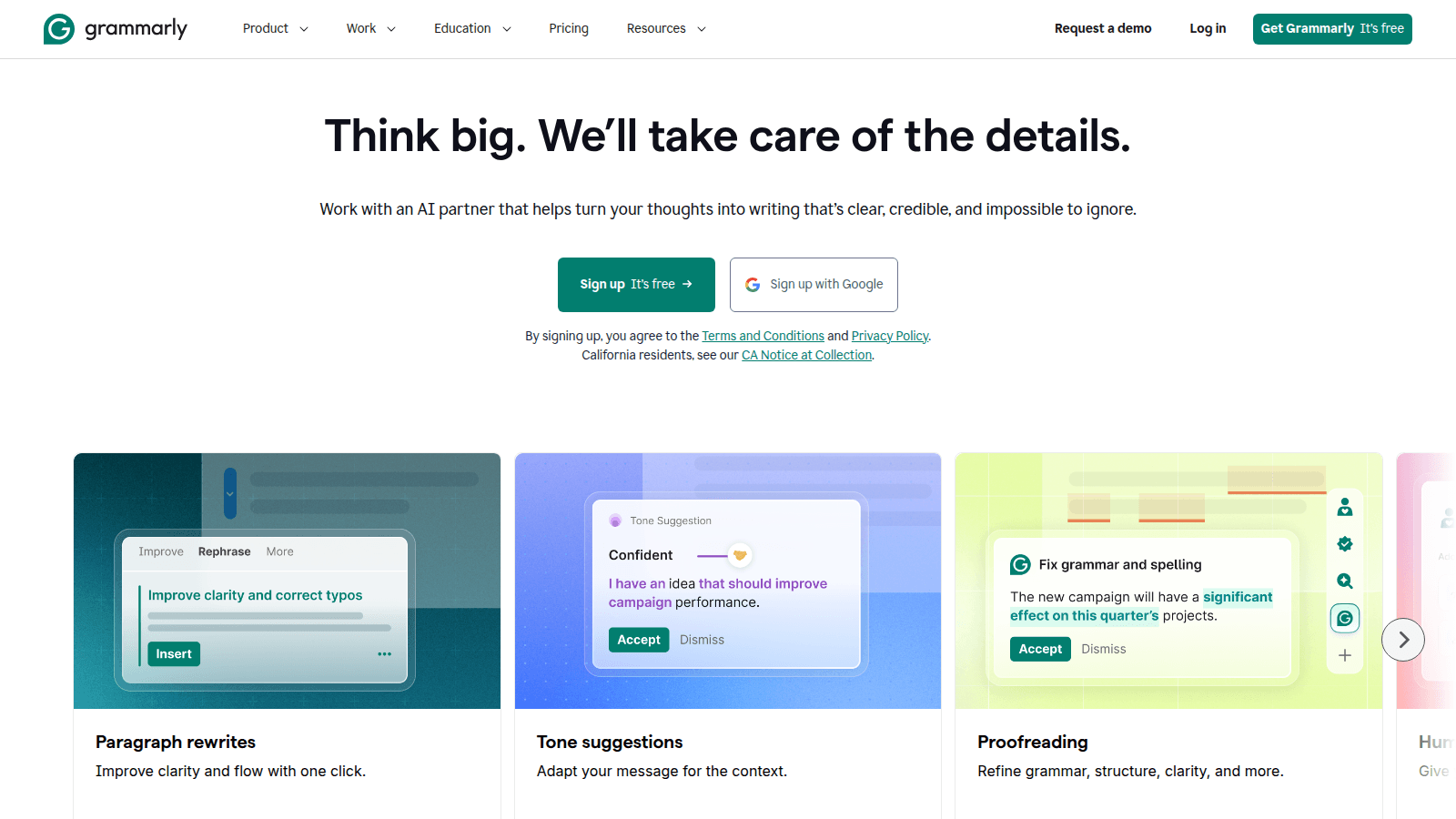
Grammarly
8.2/10Best everywhere writing layer
The writing layer that follows you into every text box.
Grammarly won by living in the text box. The AI era just gave it more to do: rewrites, tone, and drafts. We rank it as the writing layer for people who will not open a dedicated copy tool. Grammarly alternatives is the decision page if you are trying not to buy it — or to keep it on purpose.
- Best for
- Anyone who writes in public — support, sales, docs, and execs included.
- Skip if
- You only write in one app that already has a great model.
Why it ranks
- It is already in the browser when you need it
- Tone and clarity suggestions are still better than most built-in checkers
- Enterprise brand tones are underrated
Watch-outs
- Generative features are 'fine,' not a reason to dump Jasper
- Can nag
- Privacy-sensitive orgs need to read the enterprise docs, not the blog
Buffer
8.2/10Best AI-assisted scheduler
The social calendar that added AI captions — still a scheduler first.
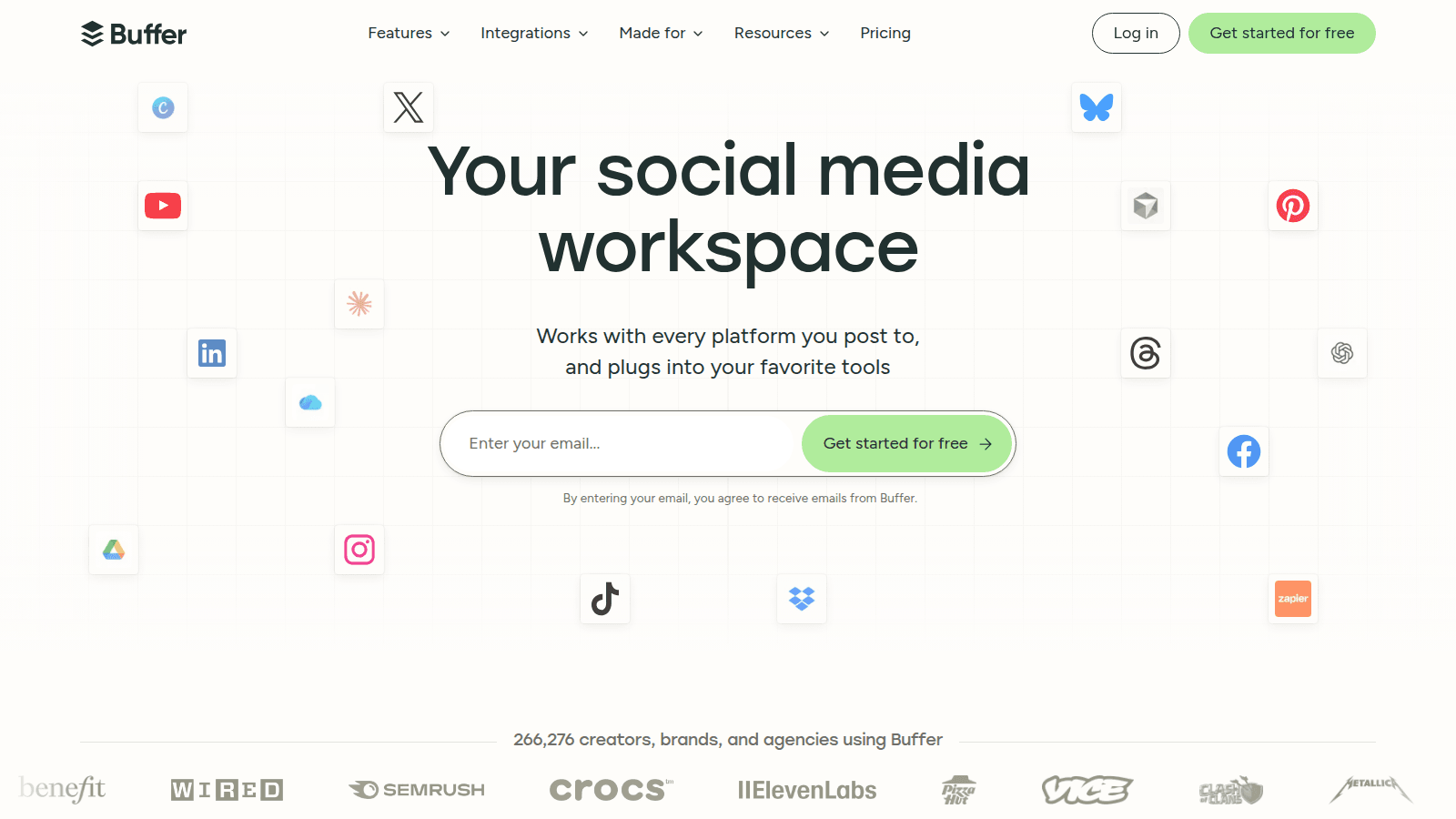
Buffer is a scheduler that added AI. That sentence is the review. Most 'best AI social media tools' lists bury the calendar under twenty creative apps. The leak for a lot of teams is still: nothing is queued, and Thursday at 4pm is a scramble.
- Best for
- Small and mid-market teams that need a calendar they will actually open, plus AI drafts.
- Skip if
- The leak is creative or video, not the queue — or you already pay for Sprout / Hootsuite and the calendar is fine.
Why it ranks
- A calendar people still open on a Tuesday
- AI assistant for ideas and captions is useful and not the reason to switch
- Honest pricing compared with enterprise suites you will not staff
Watch-outs
- Not a creative studio — generated images are a side feature
- Not a listening or employee-advocacy platform
- AI captions still read like AI captions if you do not edit
Mailchimp
7.8/10Best simple email AI
The newsletter tool people already have — now with Mailchimp AI on top.
Mailchimp is the email tool most 'we need AI email' tickets already own. Intuit's Mailchimp AI will draft a campaign, rewrite a subject line, and suggest a segment. That is leverage on a simple program. It is not a reason to skip Klaviyo if abandoned checkout and SMS are how you print money.
- Best for
- Creators and small brands whose program is a newsletter, a few automations, and a list they already keep here.
- Skip if
- Owned channels are how you make money and you need ecommerce-grade flows — that is still Klaviyo.
Why it ranks
- The default inbox for teams that are not ready for a marketing OS
- Mailchimp AI is useful for subject lines, content variants, and a first draft — on a list you already have
- Templates and a brand kit beat a blank Klaviyo canvas for a monthly send
Watch-outs
- Predictive segments and Shopify-class flows still trail Klaviyo
- Bills and product complexity jump once you outgrow the newsletter job
- B2B CRM and multi-channel lifecycle are a stretch — that is HubSpot
Product look · figure pending
Mailchimp
Best for. Creators and small brands whose program is a newsletter, a few automations, and a list they already keep here.
Skip if. Owned channels are how you make money and you need ecommerce-grade flows — that is still Klaviyo.
No vendor screenshot until a rights-cleared file exists at public/figures/mailchimp.png. We do not hotlink app UIs.
People search 'AI stack for coaches' after a vendor demoed an operating system that books the discovery call, writes the program, queues the week, and invoices the retainer. The honest 2026 stack is smaller: a brain you already open, the box the client already reads, then one seat per bottleneck you can name. If you cannot name the bottleneck, you are not shopping for a stack. You are shopping for a slide that will not survive the next session.
This is a ladder, not another persona ranking. The coaches ranking is the scored four-way — ChatGPT 8.3, Grammarly 8.2, Buffer 8.2, Mailchimp 7.8. The freelancer-stack guide is the project-desk sibling. The writing ranking, the marketing ranking, and the free-tools ranking are the longer copy, campaign, and card tables. Read this one if you are trying not to buy five logos in one quarter — or to add the second one on purpose.
Start here
A point of view someone owns, ChatGPT Plus, and the box you already send from. Most 'we need an AI coach stack' tickets are this ticket with extra procurement. Session recaps, a first pass on the offer, a worksheet you will still sound like yourself in, ten subject lines. Plus is $20. Custom GPTs are close enough to a voice file for one coach. They are not a twelve-client desk, a queued week, or a list platform.
Stay here until a named leak shows up between sessions: typos in the portal the client still reads, the practice is invisible by Thursday, or the list you already own is a graveyard. If none of those are true, another logo will not make the retainer distinctive. The booking page is not an AI job. Book it in Calendly, Practice, or whatever you already close on. A model that writes 'looking forward to our call' will not fill the calendar.
- Start: ChatGPT Plus plus the box you already send from — then one named leak
- Do not start: a 40-tool 'AI coaching OS,' a second writer, or video before you have something to recut
- Honest watch-out: a prettier recap will not invent a client, and a stack will not invent a point of view
Add the next seat when the bottleneck is named
Add Grammarly when the box the client sees is the leak
The leak is tone in Gmail, the portal, or the invoice note — a sentence that already exists. Free if the job is mechanics. Pro is $30 a month or $144 a year (about $12 averaged) from grammarly.com/plans, checked 19 September 2026. That is either insulting or obvious next to Plus at $20. Skip Grammarly if you only write in ChatGPT and already edit there. Skip it if the painful part is a campaign desk (Jasper) or a green underline you can get from LanguageTool. Grammarly pricing is the plan bill. Grammarly vs ChatGPT is the two-way. The writing ranking is the longer table.
Add Buffer when the practice is invisible between sessions
The leak is the week. A presence you will actually queue, not a content studio. Essentials is $5 a channel billed annually ($6 month-to-month) on buffer.com/pricing, checked the same day. AI captions are a junior intern. Skip Buffer if the leak is the sentence. A better calendar will not write the case study. Skip it if approvals and listening are the job (Hootsuite) or the grid is the product (Later). Buffer alternatives and the social ranking are those pages. Buffer pricing is the plan math if the fight is the seat, not the queue. The marketing ranking is the campaign desk if you thought 'presence' meant ads.
Add Mailchimp when the list is how the practice compounds
The leak is a newsletter, a welcome sequence, a few automations on a list you already keep. Free is a real starter. Standard is the honest paid plan — commonly from about $20 a month, list-sized. Skip Mailchimp if owned channels are how a store makes money — that is Klaviyo on the email and ecommerce rankings. Skip it if you needed the draft. That is ChatGPT. HubSpot if the CRM is already the operating system. The email ranking is the scored send table.
Add Canva only when the worksheet has to look finished
The leak is the one-pager the client can see, not the sentence. Magic Studio is a junior designer on the canvas you already open. Skip Canva if the leak was the offer. A better layout will not write the program. The design ranking is the scored file desk. The freelancer-stack guide already puts Canva on the project desk — same habit, different invoice.
Add Otter only when the leak is the session recording
Tape, a recap you will still rewrite. Otter Pro is about $17 a month or $8.33 billed annually — Otter pricing. Skip it if the leak is the email after the call. ChatGPT still writes that. Skip it if you needed deal intelligence. That is Gong, and you are not a Gong customer. The transcription ranking is the pick-by-job.
Add Jasper only when several people have to sound like the practice
The leak is voice drift across contractors — or across twelve retainers you no longer write alone. Pro is about $59–$69 a month for one login; a second person is a Business conversation. Skip Jasper if the practice is one coach with a good brief. Skip it if the painful part is outbound research (Copy.ai). That is the writing ranking, not a coaching desk. Most 'AI for coaches' tickets that buy Jasper needed Plus and a voice they already have.
What is not a rung
- An 'AI coaching OS' that finds clients, writes the program, books the call, and invoices the retainer so you do not have to look.
- A scheduling AI. Calendly, Practice, and Kajabi remain booking and course tools. We will not score a generated intake form as a stack rung.
- A second writer because Plus felt cheap. Name the job first. The wrappers skip-list is that page. The writing ranking is the desk.
- A chatbot that runs the discovery call. The chatbot ranking is a website bubble. You are not a Tidio customer because a directory said coach.
- Zapier as the first buy. Add glue when a human is still the integration between form, Slack, and the client folder — Zapier pricing if that week has arrived. Most practices needed the recap, not the zap.
- A 40-template Chrome extension you will not open in week four.
Most 'we need an AI stack for coaches' tickets are a ChatGPT ticket, a Grammarly ticket, or a Buffer ticket. The word stack is doing too much work.— Aiacent stack guide, 2026
A 1–8 person practice, in one pass
Solo coach or consultant: ChatGPT Plus, Grammarly Free until the box is the leak, Canva if you already design worksheets there. Stop. Do not buy Buffer until a week is actually a week. Do not buy Mailchimp until a list you already own is how you compound. Do not buy Jasper until a second writer exists. A 4–8 person practice or a small consultancy: keep Plus for people who write alone, add Grammarly Pro when review is the tax in every client box, add Buffer when three channels are the presence, add Mailchimp when the newsletter is the compounder, add Zapier only for the two zaps you will actually map (form → calendar reminder, invoice flag → the folder). Otter only if the recording is the product. That is a stack. A slide with twelve 'AI coach' logos is a directory. The coaches ranking is the RFP if you want the scores in one table. The freelancer-stack guide is the RFP if the client is a project, not a retainer. The free-tools ranking is the RFP if the card was the objection.
Verdict
Do not start from a list of logos. Start from a recap and ChatGPT. Add Grammarly when the box is the bottleneck — Grammarly pricing if the fight is the seat. Add Buffer when the week is the leak. Add Mailchimp when the list is the leak. Then read the coaches ranking if you want the four scores in one table, the writing ranking if the next buy is the copy seat, the marketing ranking if the next buy was a campaign desk, and the free-tools ranking if the honest next step is still a $0 card.