Pricing · 2026
Photoroom pricing (2026): Free vs Pro vs Max vs Ultra — and who should pay
Pro is the honest listing seat. Max is when video and Shopify sync are the job. The expensive mistake is paying Ultra for a bedroom catalog — or staying Free until a marketplace flags the watermark.
Gregory Greenstein, Aiacent
- Published
- Updated
- Pricing verified
- 14 min read
- How we rank
Photoroom
8.4/10Best product-image AI
Product photos that look like you had a studio.
Photoroom is the rare AI image tool with a boring, profitable job: make a messy phone photo look like a product image. Marketplace sellers, Shopify stores, and resale shops get more from this than from a general image generator.
- Best for
- Sellers who shoot on a phone and still need marketplace-ready images.
- Skip if
- You already have a studio and a retoucher on payroll.
Why it ranks
- Background removal and scene generation that sellers will actually use
- Fast enough for a 40-SKU upload night
- Mobile app is a real workflow, not a demo
Watch-outs
- Generated scenes can look like a catalog from nowhere if you get greedy
- Not a full DAM
- Batch work still needs a once-over for shadows and edges
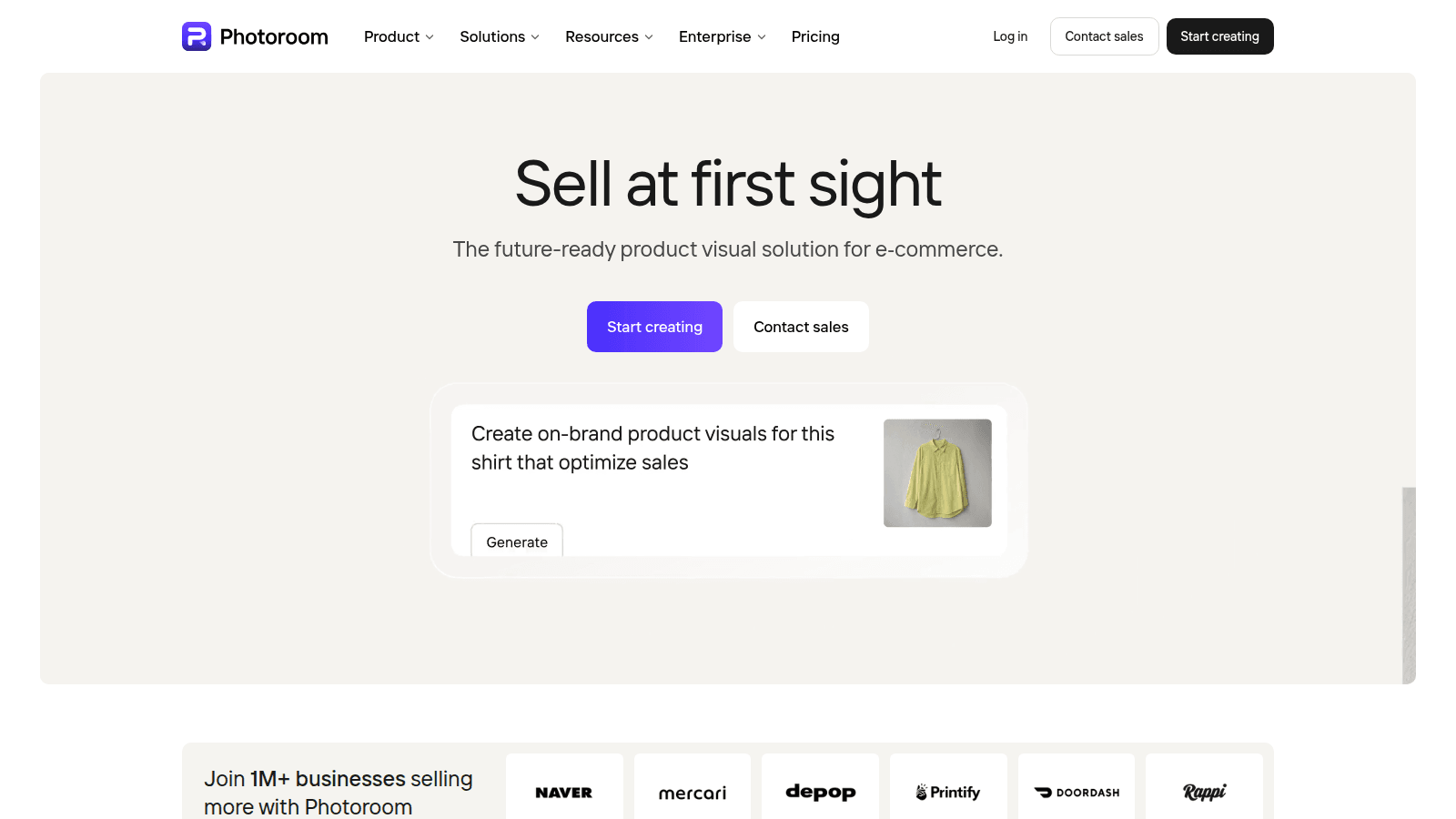
People search 'Photoroom pricing' because they remember a $10 cutout app, or because finance asked why a catalog tool now has Max and Ultra rows. Those are different tickets. If you do not name whether you needed marketplace-ready stills from a phone, or a high-volume Space with video and a Shopify sync, you will climb to Ultra for a 40-SKU restock — or stay on Free until a listing looks like a hobby.
This is a cost page, not a lab. Plan names, credit and export language, and Space billing were checked against photoroom.com/pricing and Photoroom Help ('What are Photoroom's plans?', billing for Spaces) on 19 September 2026. The public page leads with yearly per-month rates on a JS toggle; Help last updated the plan essay on 31 May 2026. Stickers move. We do not invent an Enterprise quote, a cutout-accuracy bake-off, or a partner URL. The full review is /tools/photoroom. The ecommerce ranking is the scored store desk. The images ranking is the moodboard next to the catalog. The design ranking is the broader creative seat.
Photoroom cost in 2026, at a glance
| Plan | Public price (confirm cart) | Credits / exports | What you are actually buying |
|---|---|---|---|
| Free | $0 | Low AI generations; a small monthly export cap | A taste. Photoroom's own Help: not licensed for commercial use |
| Pro | About $7.50/mo billed yearly; about $12.99 month-to-month | About 8,000 AI credits and 1,000 exports / mo on the page we saw | The honest listing seat — cutouts, staging, batch, commercial use |
| Max | About $21/mo billed yearly; about $34.99 month-to-month | Higher credit and export pools; Video Generator; Shopify sync | A catalog that also has to move, or land in the store admin |
| Ultra (×1 / ×2 / ×5 / ×10) | From about $99/mo; volume multipliers on the same desk | About 75,000 credits on ×1; 4K image and video; larger batch | High-volume production. Not a prettier Pro. |
| Enterprise | Custom quote | Custom credits; adjustable AI shadows; visual QA; SSO / SLA | A security and catalog-ops conversation, not a darker Ultra toggle |
- One Space, one subscription. Photoroom Help is explicit: you can invite up to 49 people into that Space at no extra seat charge. The old per-member seat tax is gone. Do not price a five-person catalog as five Pros.
- Core tools (background remover, retouch, fill, expand, enhancer, preset shadows) sit on paid plans without burning credits. Credit AI is the heavier row: Video Generator, Virtual Model, AI Backgrounds Studio, Edit with AI.
- Help still says paid Spaces can export unlimited images under fair use. The pricing-page FAQ on the same day lists a monthly export allowance (Pro commonly 1,000). Believe the usage dashboard, not a 2024 blog.
- The API and MCP meters are a separate bill (photoroom.com/api/pricing). Do not bury them in a 'Pro is $10' slide.
- Articles that still sell a single ~$10 Pro as the only paid row are stale. Max and Ultra are real 2026 products.
Stay on Free if you are tasting cutouts, not selling them
Free is a real product for a weekend experiment: a Free Space, limited generations, a small export cap, other people invited into that same limited Space. Photoroom's Help page is blunt about commercial use — Free is not how you run a store. If you already sell, you are not a Free customer who is being disciplined. You are on the wrong license.
Leave Free the week a listing has to look like a catalog and you will reuse three backgrounds. Do not leave Free because a YouTube thumbnail said Ultra. That meeting is often Pro. Do not leave Free for Midjourney if the job was a white-background SKU — Midjourney will invent a prettier product than the one in the box.
Buy Pro when the listing is the job
Pro is the honest 2026 Photoroom. Resellers and solopreneurs: Product Staging, Virtual Model, batch export, high-res stills, a credit pool that will survive a 40-SKU night if you stay on core tools and do not burn the month on fashion models. Annual if the catalog is already a weekly motion. Monthly if you are proving the Space is not a second Canva nobody opens.
Buy it when a phone photo still has to convert. That is why Photoroom still sits high on the ecommerce ranking (8.4) and on the design ranking as a product-image tool, not a moodboard. Skip Pro if you already have a studio and a retoucher. Skip it if the leak is a cinematic still (Midjourney), a store-admin description (Shopify Magic), or a social tile around a SKU you already shot (the ads ranking). A sane AI stack for ecommerce is that ladder.
- Best for: Shopify and marketplace sellers who shoot on a phone and still need a consistent PDP
- Skip if: you already have a studio, or the leak is taste / video / a bidding copilot
- Honest watch-out: generated scenes can look like a catalog from nowhere if you improvise every SKU. Pick three backgrounds and stop.
Buy Max when the catalog also has to move — or land in Shopify
Max is everything in Pro plus the rows Pro withholds: Video Generator, the Shopify integration, faster processing, a fatter credit and export pool, priority support. It is not a 'more professional' badge. It is capacity plus two features people actually name in a staff meeting.
Buy Max when a still has to become a short clip, or when exports have to sync into the store you already run. Skip it if you have not filled Pro's export cap. Skip it if the video job was a presenter on a script (Synthesia) or a recut blog (Pictory) — those are the video ranking, and Photoroom will not become them if you pay more. Skip it if you only wanted 4K or adjustable shadows. Those sit on Ultra and Enterprise.
- Best for: small catalogs that already live in Photoroom and now need motion or a Shopify pipe
- Skip if: you have not used Pro's batch week, or the leak is a directed shot (Runway) or a training avatar
- Honest watch-out: Video Generator credits are not a creative director. A shaky offer still looks like a shaky offer in 15 seconds.
Buy Ultra or Enterprise when volume, or QA, is the job
Ultra is the high-volume Space: 4K, larger batch, the credit pool a catalog team will actually empty, four multipliers (×1 / ×2 / ×5 / ×10) so you size exports instead of opening a sales thread on day one. Enterprise is adjustable AI shadows, visual QA, ROI reporting, SSO, an SLA — a quote. Photoroom positions that row at brands processing a very large annual image volume. We will not invent a 'typical' contract.
Buy Ultra when someone already owns the Photoroom habit and the export cap is the actual fight. Buy Enterprise when security or visual QA is why a consumer Space died. Do not buy either because Max felt lonely and a deck said 'AI product studio.' Mid-market teams often jump a tier and then discover they needed three backgrounds and a batch night, not 4K fashion models.
Photoroom vs Midjourney vs Shopify Magic vs Canva, as a bill
Midjourney's Basic / Standard seats are a taste bill, not a catalog OS — Midjourney pricing is that page. Midjourney wins a directed still. Photoroom wins the SKU that has to match the box. Buying Midjourney because a PDP looked cheap is how you invent a product. Buying Photoroom because you wanted a campaign hero is how you get a clean cutout of a boring offer.
Shopify Magic is included on the plan you already pay. It wins a blank description at midnight. It does not win a 200-SKU catalog night. Serious sellers often keep both: Magic for the field, Photoroom for the shot. Canva Magic Studio is a design file. Canva vs Adobe Firefly is that two-way. A Photoroom Space will not become a brand desk if you pay Ultra.
What we are not pricing
- A cutout-accuracy lab. We did not run 400-SKU bake-offs or invent a review count.
- App Store versus web sticker gaps as a 'typical' savings story. Pay where you will actually batch.
- API credit packs as if they were Pro. photoroom.com/api/pricing is a different meter.
- A fake Impact or PartnerStack URL. Until a real partner link is set, the CTA goes to photoroom.com.
- The old per-seat team tax as if it were still the 2026 invoice. One Space, one subscription.
Most 'what does Photoroom cost' tickets are a Pro ticket, a Max-for-Shopify ticket, or a stay-on-Free-until-you-sell ticket. The pricing page is doing too much work if you have not named the SKU job.— Aiacent pricing, 2026
Verdict
Selling from a phone, three backgrounds, a weekly upload: Pro, annual if the habit is already real. Catalog also needs a clip or a Shopify sync: Max. Volume or 4K is the fight: Ultra, sized on the multiplier. Security or visual QA: take the Enterprise conversation. Tasting cutouts and not selling: Free. Already have a studio: skip the logo. Needed a directed still: Midjourney, then Midjourney pricing. Needed a store-admin pass: Shopify Magic. Then read the ecommerce ranking if you want the score next to Klaviyo, the images ranking if the still is taste, the design ranking if the file is a layout, and a sane AI stack for ecommerce if the fight is the desk, not the plan picker.