Stack guide · 2026
A sane AI branding stack (2026): name + mark + tile + cutout, not a 12-tool Brand OS
Start with the name you will actually use. Add Looka or Brandmark when the mark is the leak. Add Canva when the tile is the leak. Add Photoroom or remove.bg when the photo is the leak. Skip the Brand OS until a step is named.
Gregory Greenstein, Aiacent
- Published
- Updated
- Pricing verified
- 16 min read
- How we rank
Looka
7.4/10Best AI logo + brand kit
An AI logo you can preview for free — not a Canva Pro costume, and not a $20 art director.
Looka is the correct desk when the expensive part is a logo someone will actually download this week: preview for free, a one-time package when vectors are named, an annual Brand Kit when social tiles and cards have to match. It is a bad substitute for Canva Pro when the expensive part is a tile you will still edit every week, and a bad substitute for Brandmark when the leftover job is a printed one-time package with a dollar we could read. Mixing those up is how you pay Brand Kit Web so a Canva file felt lonely.
- Best for
- Founders who will download a logo this week and may later pay for a Brand Kit.
- Skip if
- You needed Canva's everyday tile desk, Brandmark's printed one-time package, or a designer on retainer.
Why it ranks
- Official looka.com/pricing splits one-time logo packages from an annual Brand Kit — that is the honest job split
- Premium copy on the official page names hi-res PNG, EPS, SVG, PDF, unlimited changes, and full ownership
- You keep logo rights after a Brand Kit subscription ends — official FAQ, not a tweet
Watch-outs
- Not Canva. If the leak is a Tuesday tile, a logo maker will not invent the canvas
- Static dollar cards did not render on our 20 September 2026 fetch (Cloudflare). Confirm looka.com/pricing — do not trust a 2024 blog
- A generated mark can look like every other 2026 SaaS badge. If you will not edit, you bought a template
Product look · figure pending
Looka
Best for. Founders who will download a logo this week and may later pay for a Brand Kit.
Skip if. You needed Canva's everyday tile desk, Brandmark's printed one-time package, or a designer on retainer.
No vendor screenshot until a rights-cleared file exists at public/figures/looka.png. We do not hotlink app UIs.
Canva Magic Studio
8.2/10Best everyday AI design canvas
AI inside the canvas your marketers already open — Magic Design, not an art director.
Canva Magic Studio is the AI design tool most teams should have bought instead of a Midjourney seat they will not open. Generate a first layout, swap a background, resize for four channels, keep the brand kit. That is graphic design as an operator job, not art direction.
- Best for
- Teams that already live in Canva and needed generation, resize, and Magic Write in that file.
- Skip if
- You needed a directed still, a catalog cutout from a phone photo, or Photoshop as the operating system.
Why it ranks
- The AI sits on the slide, social tile, and one-pager you were already making
- Magic Design, background, and resize beat opening Midjourney for a Tuesday deck
- Brand kits that non-designers will actually obey
Watch-outs
- Taste ceiling is 'on-template,' not campaign-hero
- Not Photoroom — a phone photo of a SKU still wants a catalog tool
- Not Firefly — legal and Photoshop shops should stay in Creative Cloud
Product look · figure pending
Canva Magic Studio
Best for. Teams that already live in Canva and needed generation, resize, and Magic Write in that file.
Skip if. You needed a directed still, a catalog cutout from a phone photo, or Photoshop as the operating system.
No vendor screenshot until a rights-cleared file exists at public/figures/canva.png. We do not hotlink app UIs.
Photoroom
8.4/10Best product-image AI
Product photos that look like you had a studio.
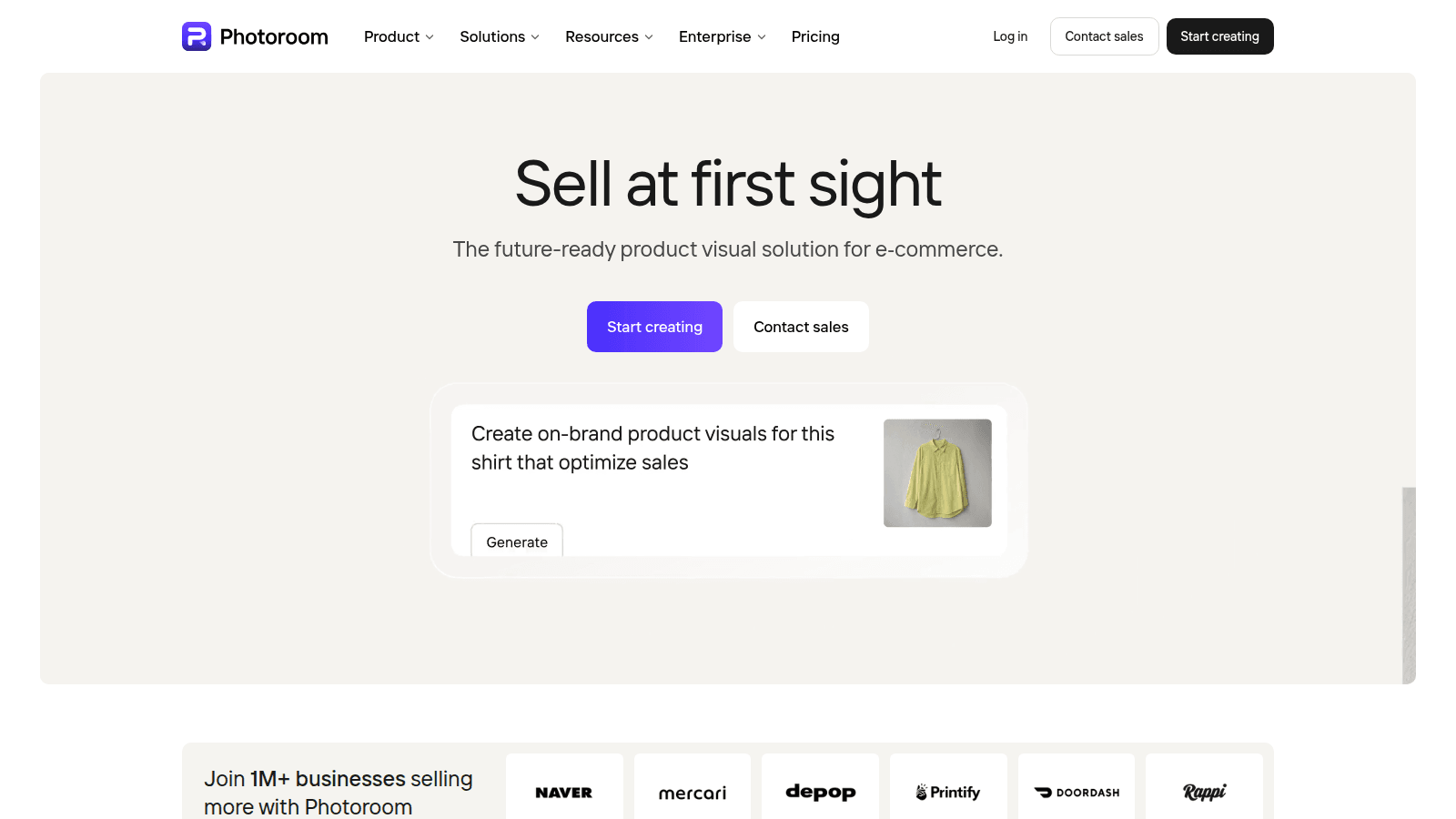
Photoroom is the rare AI image tool with a boring, profitable job: make a messy phone photo look like a product image. Marketplace sellers, Shopify stores, and resale shops get more from this than from a general image generator.
- Best for
- Sellers who shoot on a phone and still need marketplace-ready images.
- Skip if
- You already have a studio and a retoucher on payroll.
Why it ranks
- Background removal and scene generation that sellers will actually use
- Fast enough for a 40-SKU upload night
- Mobile app is a real workflow, not a demo
Watch-outs
- Generated scenes can look like a catalog from nowhere if you get greedy
- Not a full DAM
- Batch work still needs a once-over for shadows and edges
remove.bg
7.8/10Best single-job background removal
One-credit cutouts — not a Photoroom catalog desk, and not a Cleanup inpaint brush.
remove.bg is the correct desk when the expensive part is a background that has to disappear: a preview for free, a subscription when the monthly volume is named, PAYG when the volume is lumpy. It is a bad substitute for Photoroom when the expensive part is a listing studio, and a bad substitute for Cleanup.pictures when the expensive part is an object still in the frame. Mixing those up is how you pay Volume+ and still live in a bedroom catalog.
- Best for
- Operators who will remove backgrounds at a named monthly volume and can count credits.
- Skip if
- You needed Photoroom's listing studio, Cleanup.pictures' object removal, or Canva's tile desk.
Why it ranks
- Official help prints the Free / Subscription / PAYG split and the 0.25MP + 1 bonus credit + 50 preview rule
- Official blog names Lite (40), Pro (200), and Volume+ (500+) monthly credit buckets
- One full-resolution removal is one credit on official credit-simplification copy — no resolution tax on HD vs 4K
Watch-outs
- Not Photoroom. If the leak is a catalog scene, credits will not invent Product Staging
- Dollar cards on www.remove.bg/pricing are JS. We will not invent a $9 Lite sticker we could not read as a static card
- Subscription credits expire at period end — official help. Treating a monthly pack as a bank is how the invoice becomes the story
Product look · figure pending
remove.bg
Best for. Operators who will remove backgrounds at a named monthly volume and can count credits.
Skip if. You needed Photoroom's listing studio, Cleanup.pictures' object removal, or Canva's tile desk.
No vendor screenshot until a rights-cleared file exists at public/figures/remove-bg.png. We do not hotlink app UIs.
People search 'AI branding stack' after a vendor demoed an operating system that names the company, draws the mark, ships the tile, and retouches the catalog while you sleep. The honest 2026 stack is smaller: a name you will actually use, then one seat per bottleneck you can name across mark, tile, and photo. If you cannot name the bottleneck, you are not shopping for a stack. You are shopping for a slide that will not survive Tuesday's default-Canva launch.
This is a ladder, not a persona dump. Branding is not 'design' with a logo badge, and it is not 'ecommerce' with a favicon. The design ranking is the scored canvas table. Is Canva Pro worth it is the Magic subscription. Canva vs Looka is the tile-versus-mark two-way. Is Looka worth it is the mark purchase. Photoroom pricing and is Photoroom worth it are the catalog bills. Photoroom vs remove.bg is the photo two-way. Free AI tools is where a founder actually starts without a card. Read this one if you own the brand file — founder-led or SMB — and are trying not to buy five logos because a thread said 'AI Brand OS.'
Start here
The name. Most 'we need an AI branding stack' tickets are a first-file ticket with extra procurement. The name that is still a placeholder, the mark that is still a default Canva badge, the tile that never shipped, the catalog that still looks like a bedroom. Write those down. Date them. Staff the sentence that is allowed to be wrong. Then decide whether the next leak is a mark you will download, a tile you will still edit, or a photo that has to convert.
ChatGPT Free is a real name-and-tagline taste. Plus is $20 and will draft the words you will still cut. Canva Free is a real canvas. Looka preview is a real mark taste. remove.bg Free is a real 0.25MP cutout. Photoroom Free is a real experiment — and Photoroom Help is blunt: not a store license. None of those is a brand. Stay on the file you own until a named leak shows up in a week you will actually publish: the mark is folklore, the tile is empty, the listing is a hobby. If none of those are true, another logo will not make the company feel hosted. Template-speak is the failure mode. Rewrite until it looks like you.
- Start: a name you will actually use — then one named leak
- Do not start: a 12-tool Brand OS, Looka Brand Kit because the deck said identity, or Photoroom Ultra because a thread said studio
- Honest watch-out: a prettier generate will not invent a name, and a stack will not invent taste
Add the next seat when the bottleneck is named
Add Looka or Brandmark when the mark is the leak
The leak is a file you will download and hand to a printer or a favicon slot. Is Looka worth it is the Looka purchase — preview first; a one-time package when vectors are named; Brand Kit when matching assets are the wall. Confirm looka.com/pricing (our fetch was Cloudflare-blocked on dollars). Brandmark is the printed one-time sibling — Basic $35, Designer $95, Enterprise $195 on brandmark.io/pricing. Canva vs Looka is the two-way. Skip Looka if Canva already is the tile desk and the badge is good enough. Skip Brandmark if the leftover job is an annual kit that keeps minting assets. Skip both if a designer is already on retainer.
Add Canva when the tile — not the mark — is the leak
The leak is a carousel, a one-pager, a resize, and someone will still edit the generate. Is Canva Pro worth it is the subscription — Free first; Pro US$144 a year for one person on canva.com/pricing; Business US$250 a year per person when a second human has to obey the kit. Skip Canva if the leftover job is the mark. Skip it if Creative Cloud already paid for Express. Skip it if Photoroom already is the catalog. The design ranking already placed this rung. Steal it when that file is the leak — not because branding also 'does Magic.'
Add Photoroom when the listing — not the cutout — is the leak
The leak is a phone photo that has to convert, three backgrounds, a batch night. Is Photoroom worth it is the subscription — Pro about $7.50 a month billed yearly; Max when video or Shopify sync is named. Photoroom pricing is the plan math. Skip Photoroom if you already have a studio. Skip it if remove.bg already is the credit cutout and a scene is not the job. Skip it because a YouTube thumbnail said Ultra.
Add remove.bg when the cutout — not the catalog — is the leak
The leak is a background that has to disappear, and Photoroom is the wrong shape for a credit API. Is remove.bg worth it is the meter — Free 0.25MP plus one bonus HD credit; Lite 40 / Pro 200 on official blog; PAYG when the month is lumpy. Confirm www.remove.bg/pricing. Photoroom vs remove.bg is the two-way. Skip remove.bg if Cleanup.pictures already is the object brush — Free 720px, then $5 or $36 a year. Skip it if you will let subscription credits expire.
Stay on free seats until the leak is paid
ChatGPT Free is a real name. Canva Free is a real canvas. Looka preview is a real mark. remove.bg Free is a real cutout taste. Photoroom Free is a real experiment. Cleanup.pictures Free is a real 720px brush. The free-tools ranking is the scored version of 'start here without a card.' Leave free the week a mark has to download, a tile has to ship on a cadence, a listing has to convert, or a cutout has to be high-res. Do not leave free because a vendor demoed a Brand OS.
What is not a rung
- A 'Brand OS' that promises to name, draw, tile, and retouch itself. That is a directory.
- The designer stack as a costume. Figma AI and Relume are a product-design desk. Steal them when that file is the leak — not because branding also 'does UI.'
- The ecommerce stack as a shopping list. Klaviyo and Shopify Magic are a store desk. Add them when that file is the leak.
- Namecheap Logo Maker. The brief skipped that slug on purpose. Canva vs Looka is the two-way.
- Looka Brand Kit on day one because the deck said identity. Is Looka worth it after a preview produced a keeper.
- Photoroom Ultra on day one because a thread said studio. Is Photoroom worth it after Pro's batch week.
Most 'we need an AI branding stack' tickets are a Looka ticket, a Canva ticket, or a Photoroom ticket. The word stack is doing too much work.— Aiacent stack guide, 2026
A branding desk, in one pass
Founder-led, first motion: ChatGPT Plus for the name, Looka preview or Brandmark Basic at $35, Canva Free, stop. Do not buy Brand Kit. Do not buy Photoroom. Do not buy remove.bg Volume+. SMB tile this week: Canva Pro — is Canva Pro worth it — then a mark you already downloaded. Catalog is the fight: Photoroom Pro — Photoroom pricing, is Photoroom worth it — feeding Canva, not replacing it. Cutout-only shop: remove.bg after Free's bonus credit — is remove.bg worth it, Photoroom vs remove.bg. Object shop: Cleanup.pictures Pro at $36 a year. Company-shaped design leak: leave this page for the design ranking and Figma. A slide with twelve branding-AI logos is a directory. Free AI tools is the RFP if the card is the objection.
Verdict
Do not start from a list of logos. Start from a name someone will still use. Add Looka or Brandmark when the mark is the leak — is Looka worth it, Canva vs Looka. Add Canva when the tile is the leak — is Canva Pro worth it. Add Photoroom when the listing is the leak — is Photoroom worth it, Photoroom pricing. Add remove.bg when the cutout is the leak — is remove.bg worth it, Photoroom vs remove.bg. Then read free AI tools if the next seat still has to be $0, the design ranking if the file grew a score table, and the images ranking if the leftover job is taste.