Stack guide · 2026
A sane AI stack for content repurposing (2026)
Start with the recording and ChatGPT. Add Descript when the edit is text, Opus Clip when you will not scrub, CapCut when you will finish the short. A ladder — not a 40-tool content engine.
Gregory Greenstein, Aiacent
- Published
- Updated
- Pricing verified
- 13 min read
- How we rank
ChatGPT
8.3/10Best default writing seat
The default brain. Still the right first writing seat for most people.
ChatGPT is the baseline every other AI writing tool has to beat. For a solo operator with a decent brief, Plus is still the correct first purchase in 2026: drafts, rewrites, outlines, and the ugly first pass on a landing page. Image generation in the same tab is a different review — ChatGPT Images on the 2026 image ranking. Claude vs ChatGPT is the two-way fight if the other tab in the meeting is Anthropic. ChatGPT vs Gemini is the two-way if the other tab is Google. Perplexity vs ChatGPT is the two-way if the other tab is a research engine. On a coding desk it is a helper tab, not an IDE — that ranking is AI coding. On an SEO desk it is a draft helper, not a content-score platform — that ranking is AI SEO.
- Best for
- Anyone who needs a strong general writer, researcher, and editor in one tab.
- Skip if
- Several people have to sound like the same company every week — that is Jasper's job.
Why it ranks
- The best generalist writer most operators will actually open
- Research, drafting, and editing in one thread beats a template farm
- Plus is cheap enough that 'should we buy a copy tool' is a real question
Watch-outs
- No shared brand voice unless you build the habit yourself
- Easy to publish confident filler if nobody owns the facts
- Not a campaign system, a sequencer, or a style-guide desk
Product look · figure pending
ChatGPT
Best for. Anyone who needs a strong general writer, researcher, and editor in one tab.
Skip if. Several people have to sound like the same company every week — that is Jasper's job.
No vendor screenshot until a rights-cleared file exists at public/figures/chatgpt.png. We do not hotlink app UIs.
Descript
8.0/10Best text-based show editor
Edit the tape by editing the transcript — a show editor, not a meeting bot.
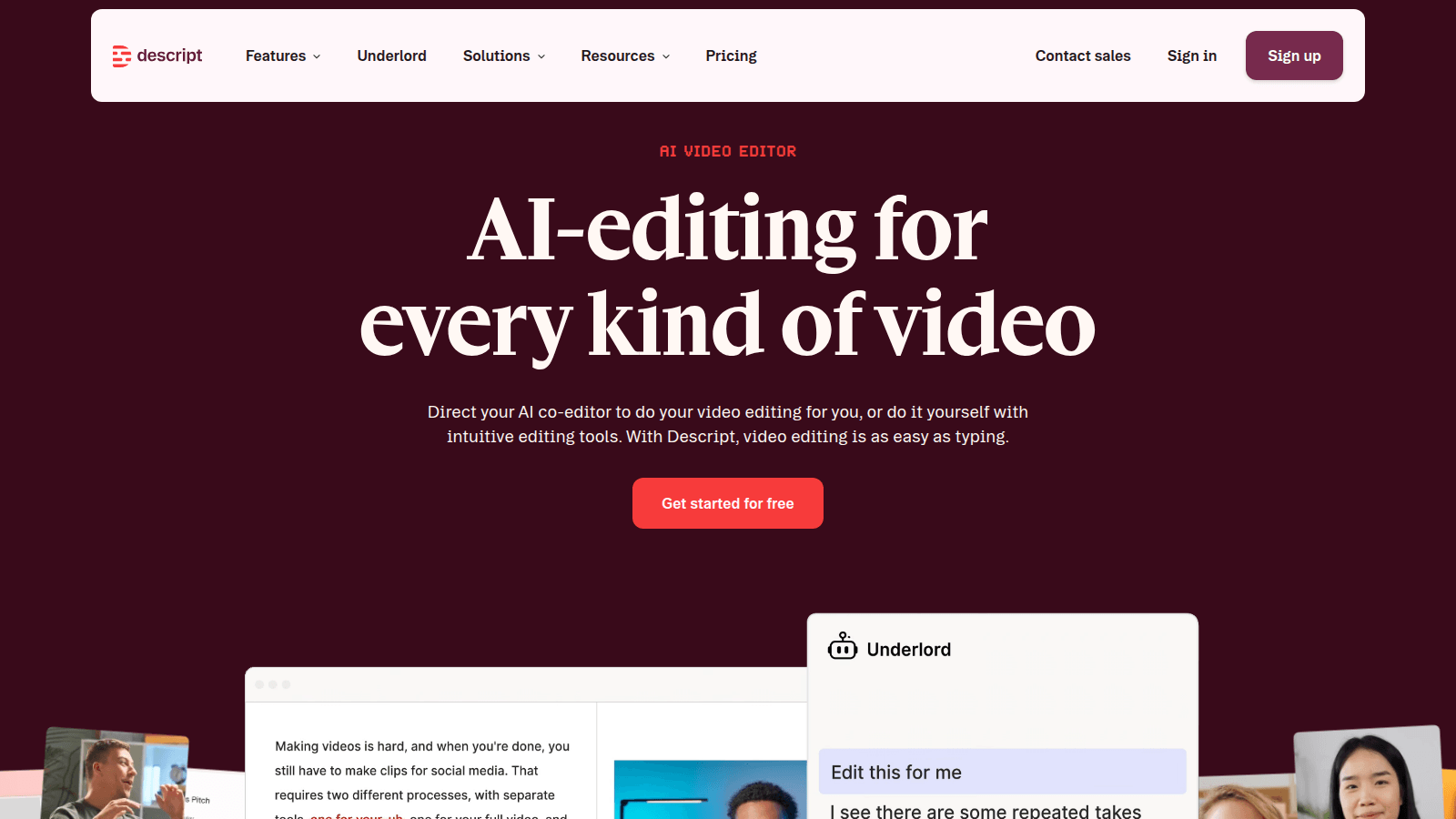
Descript is the editor we would hand a weekly podcast or a talking-head YouTube that is already recorded. You get a transcript. You delete the ramble. The timeline follows. Studio Sound cleans the room. Overdub patches a word if you trained the voice. That is a production job.
- Best for
- Podcasters and talking-head teams who will cut a show by deleting text.
- Skip if
- You needed a meeting recap, a clipper, or a blog-to-video shop — not an editor.
Why it ranks
- Cutting a podcast by deleting a paragraph is still the feature people remember
- Studio Sound and Overdub fix rooms and flubs without opening Premiere
- Screen recording plus a transcript is a real explainer desk
Watch-outs
- Not Otter — it will not caption the standup and write HubSpot
- Not Opus Clip — it will not invent eight Shorts from a two-hour file you refuse to watch
- Easy to treat Underlord as a showrunner. It is a junior assistant
Opus Clip
7.7/10Best long-to-short clips
Turn a long video into a pile of shorts — if you already filmed something.
Opus Clip does one job: take a long recording and spit out short, captioned verticals. Podcasts, webinars, a YouTube A-roll. That is a real social bottleneck in 2026. It is not 'AI video' in the Pictory or Synthesia sense.
- Best for
- Teams sitting on webinars, podcasts, or YouTube who need clips, not a new shoot.
- Skip if
- You do not have long video. That is Pictory's URL-to-video job, or a blank strategy.
Why it ranks
- Finds talk-to-camera moments faster than a human scrub
- Captions and vertical crops that are good enough for Shorts and Reels
- Honest about being a clipper, not a studio
Watch-outs
- Garbage long video becomes garbage shorts, faster
- Hook selection still needs a human who understands the audience
- Not a blog-to-video tool and not a scheduler
Product look · figure pending
Opus Clip
Best for. Teams sitting on webinars, podcasts, or YouTube who need clips, not a new shoot.
Skip if. You do not have long video. That is Pictory's URL-to-video job, or a blank strategy.
No vendor screenshot until a rights-cleared file exists at public/figures/opus-clip.png. We do not hotlink app UIs.
CapCut
8.1/10Best TikTok-native editor
The TikTok-native editor — captions, templates, and a cut you will actually finish.
CapCut is the editor we would hand anyone whose TikTok job is a cut. Captions. A hook. A template you will actually open on a phone. AI is leverage on that desk — auto captions, a cleanup pass, effects. It is not a reason to skip Later if nothing is queued, or Predis if the tile never existed.
- Best for
- Creators and social teams who cut vertical video where TikTok already lives.
- Skip if
- You needed a calendar (Later), a tile you did not design (Predis), or a clipper for a file you will not watch (Opus Clip).
Why it ranks
- The timeline TikTok creators already know — you will finish the cut
- Auto captions, templates, and AI effects that match the channel, not a desktop NLE
- Free is honest. That still matters on a creator P&L
Watch-outs
- Not a scheduler. An editor will not post the week
- Not a creative shop. Templates still look like templates if you do not recut the type
- ByteDance-adjacent TOS and watermarks are a conversation for some brands
Product look · figure pending
CapCut
Best for. Creators and social teams who cut vertical video where TikTok already lives.
Skip if. You needed a calendar (Later), a tile you did not design (Predis), or a clipper for a file you will not watch (Opus Clip).
No vendor screenshot until a rights-cleared file exists at public/figures/capcut.png. We do not hotlink app UIs.
Pictory
7.6/10Best for blog-to-video
Turn a blog or script into a decent social video.
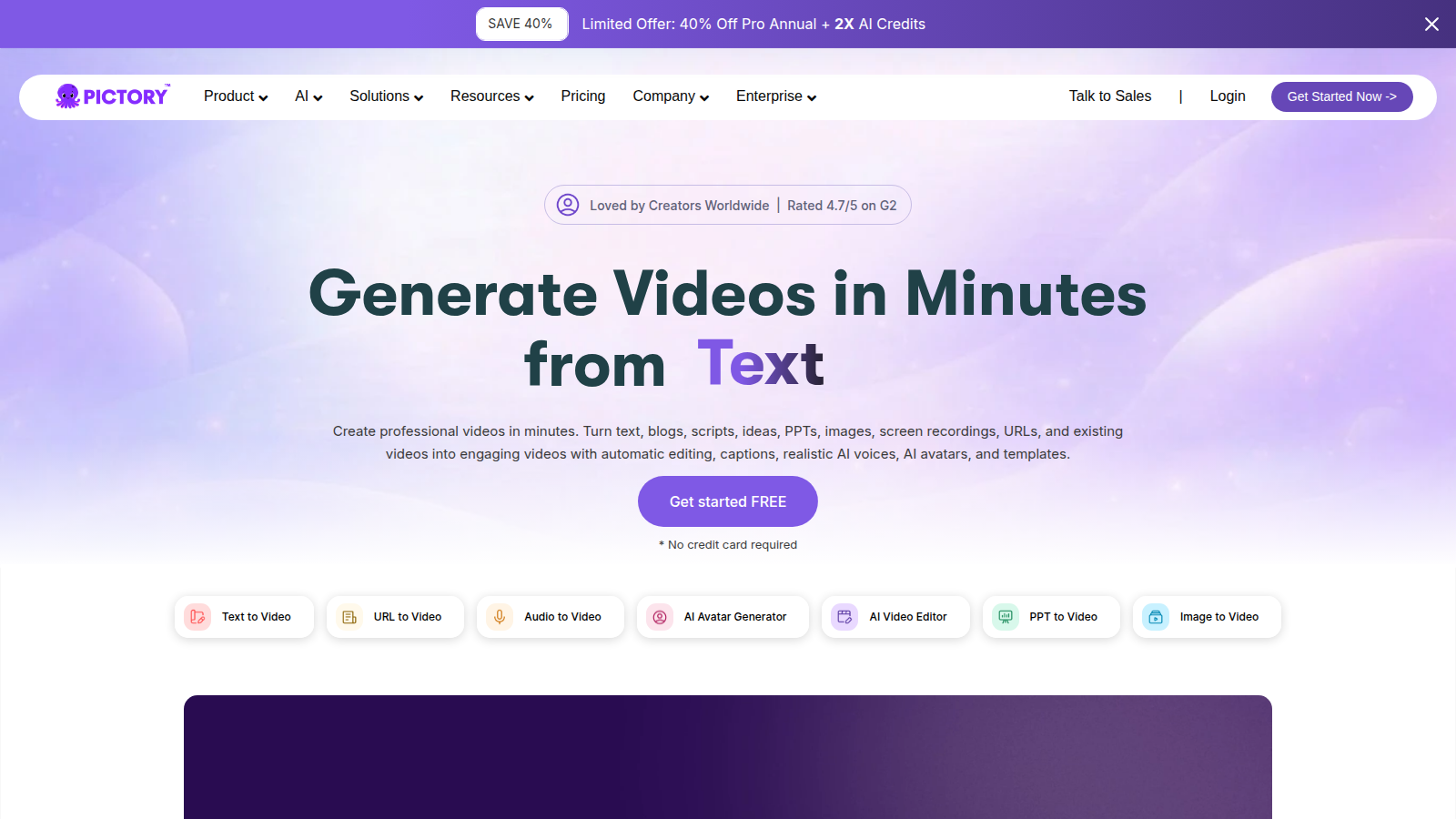
Pictory does one job well: it turns a script or URL into a captioned video with stock b-roll and a voice. For teams sitting on a blog archive and a social calendar, that is a real bottleneck-remover.
- Best for
- Content marketers who need lots of acceptable video, not a film.
- Skip if
- You have a designer, a real editor, or brand-film standards.
Why it ranks
- Blog-to-video is genuinely faster than opening Premiere
- Captions, stock, and voiceover in one pass
- Good enough for YouTube explainers and LinkedIn native video
Watch-outs
- Looks like AI video if you do not swap stock and tighten pacing
- Not a substitute for product shoots or brand films
- Voiceovers still have that 'explainer energy'
People search 'AI stack for repurposing' after a demo promised to turn every Zoom into a month of posts. The honest 2026 stack is smaller: the source you will still watch, a draft seat for the words, then one picture tool when the bottleneck is named. If you cannot name whether the leak is the transcript, the unclipped hour, or the timeline, you are not shopping for a stack. You are shopping for a slide.
This is a ladder, not a dump. The repurposing ranking is the scored table — Opus Clip, Descript, Pictory, ChatGPT. The how-to is the sequence for one file. The creator stack, the podcast stack, and the YouTube stack are sibling ladders for people whose whole job is the channel. Read this one if you are a marketer or a creator trying not to subscribe to five video tools because a thread said 'content engine.'
Start here
Start with the file and a transcript. If you already record in a tool that hands you text, use that text. ChatGPT Plus at $20 is the words seat: titles, captions, show notes, the email. Paste the six-line brief if the voice keeps sliding — that how-to lives next door. Grammarly Free can sit underneath. Do not start with Opus Clip, Descript, CapCut, Pictory, and a scheduler in the same invoice.
- Start: one source you can name, plus ChatGPT for the words you will rewrite
- Under it: the transcript you already have
- Do not start: a clipper, an editor, an avatar, and a calendar before a single export
Add the next seat when the bottleneck is named
Add Descript when the edit is deleting text
The leak is the episode itself: ums, a wrong claim, a section that should not ship. Hobbyist is $16 a person a month billed yearly and Creator is $24 on the ladder we cite. Is Descript worth it is the subscription. Skip Descript if the episode is finished and you only need verticals. You will pay for an editor to do a clipper's job.
Add Opus Clip when you will not scrub
The leak is hours of finished video and an empty short-form calendar. Starter is $15 a month. Pro is $29. Is Opus Clip worth it is the difference. Opus Clip vs CapCut is the fight if you are handy on a timeline and resenting the suggestions. Skip Opus if you will not watch what it exports. The folder is not a stack.
Add CapCut when you will finish the short
Free is enough for a lot of creators. Pro at $19.99 a month or $179.99 a year is the habit seat on the guide we cite. Skip CapCut as a second editor next to Descript unless the vertical finish is a different person. Two timelines for one maker is how Thursday disappears.
Add Pictory only when the source is a post
A script or a blog that has to become a narrated video. Starter is about $25 a month billed annually. Is Pictory worth it is the subscription. Skip Pictory for a webinar you already filmed. That file wants a cut, not a stock montage.
Add a calendar last
Buffer when the queue is empty. Later when the grid is the product. Hootsuite when someone staffs an inbox. Hootsuite vs Buffer is the suite fight. None of these belong in week one of a repurposing stack. A scheduler full of unapproved clips is a liability with a due date.
A repurposing stack is a source, a cut, and a caption. Anything you do not open while the file is exporting is not in the stack.— Aiacent, 2026
Verdict
ChatGPT and the recording first. Descript, Opus Clip, or CapCut — one — when the picture is the wall. Pictory when there is no picture yet. A scheduler last. Then read the repurposing ranking for the scores and the how-to if you wanted the week written down.