How-to · 2026
How to repurpose a long video with AI (2026)
Start from one recording you will still watch. Cut or clip it in one tool. Write the words in ChatGPT from the transcript. Schedule only what a human approved. A week, not a content engine.
Gregory Greenstein, Aiacent
- Published
- Updated
- Pricing verified
- 13 min read
- How we rank
Opus Clip
7.7/10Best long-to-short clips
Turn a long video into a pile of shorts — if you already filmed something.
Opus Clip does one job: take a long recording and spit out short, captioned verticals. Podcasts, webinars, a YouTube A-roll. That is a real social bottleneck in 2026. It is not 'AI video' in the Pictory or Synthesia sense.
- Best for
- Teams sitting on webinars, podcasts, or YouTube who need clips, not a new shoot.
- Skip if
- You do not have long video. That is Pictory's URL-to-video job, or a blank strategy.
Why it ranks
- Finds talk-to-camera moments faster than a human scrub
- Captions and vertical crops that are good enough for Shorts and Reels
- Honest about being a clipper, not a studio
Watch-outs
- Garbage long video becomes garbage shorts, faster
- Hook selection still needs a human who understands the audience
- Not a blog-to-video tool and not a scheduler
Product look · figure pending
Opus Clip
Best for. Teams sitting on webinars, podcasts, or YouTube who need clips, not a new shoot.
Skip if. You do not have long video. That is Pictory's URL-to-video job, or a blank strategy.
No vendor screenshot until a rights-cleared file exists at public/figures/opus-clip.png. We do not hotlink app UIs.
Descript
8.0/10Best text-based show editor
Edit the tape by editing the transcript — a show editor, not a meeting bot.
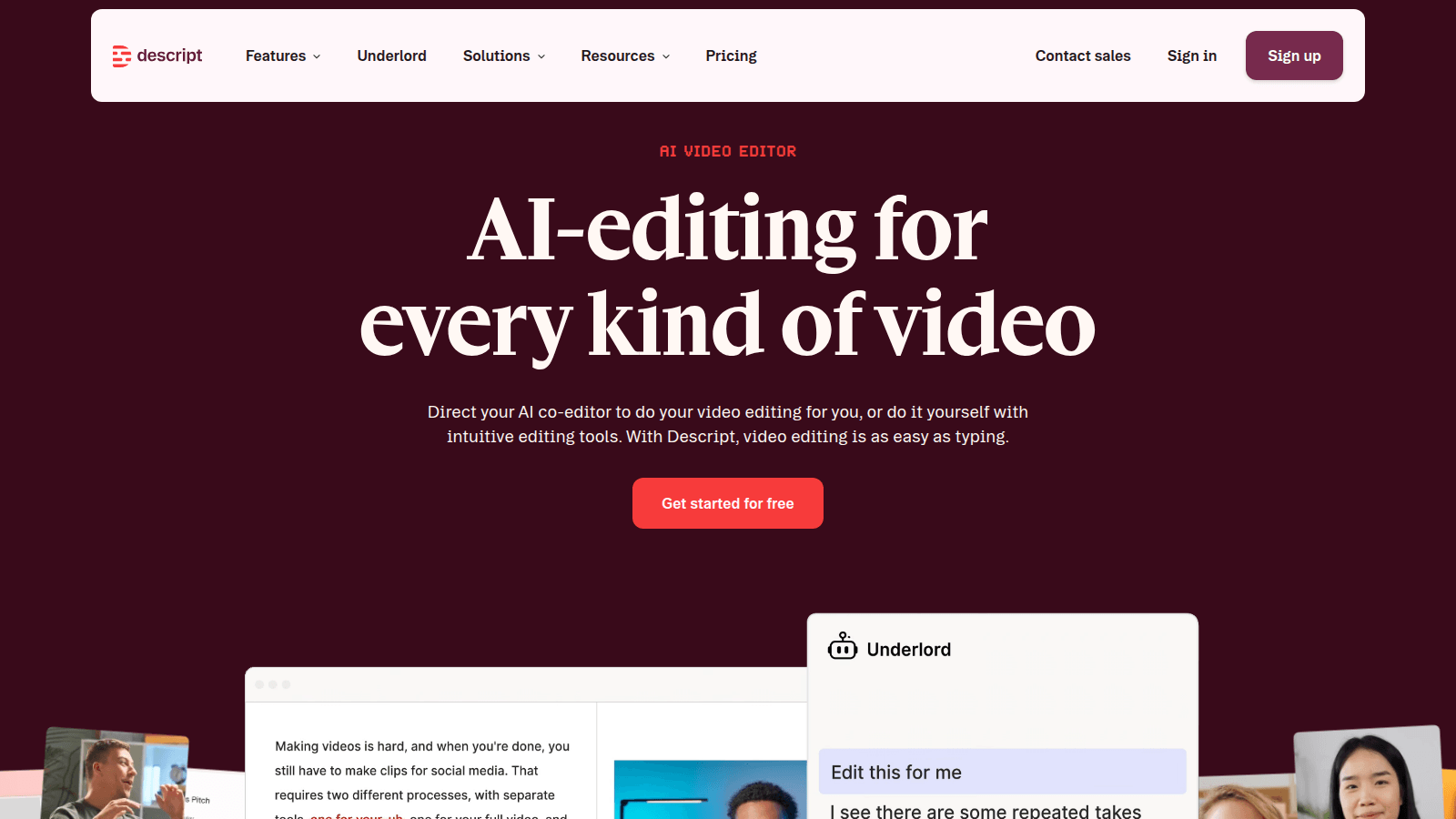
Descript is the editor we would hand a weekly podcast or a talking-head YouTube that is already recorded. You get a transcript. You delete the ramble. The timeline follows. Studio Sound cleans the room. Overdub patches a word if you trained the voice. That is a production job.
- Best for
- Podcasters and talking-head teams who will cut a show by deleting text.
- Skip if
- You needed a meeting recap, a clipper, or a blog-to-video shop — not an editor.
Why it ranks
- Cutting a podcast by deleting a paragraph is still the feature people remember
- Studio Sound and Overdub fix rooms and flubs without opening Premiere
- Screen recording plus a transcript is a real explainer desk
Watch-outs
- Not Otter — it will not caption the standup and write HubSpot
- Not Opus Clip — it will not invent eight Shorts from a two-hour file you refuse to watch
- Easy to treat Underlord as a showrunner. It is a junior assistant
ChatGPT
8.3/10Best default writing seat
The default brain. Still the right first writing seat for most people.
ChatGPT is the baseline every other AI writing tool has to beat. For a solo operator with a decent brief, Plus is still the correct first purchase in 2026: drafts, rewrites, outlines, and the ugly first pass on a landing page. Image generation in the same tab is a different review — ChatGPT Images on the 2026 image ranking. Claude vs ChatGPT is the two-way fight if the other tab in the meeting is Anthropic. ChatGPT vs Gemini is the two-way if the other tab is Google. Perplexity vs ChatGPT is the two-way if the other tab is a research engine. On a coding desk it is a helper tab, not an IDE — that ranking is AI coding. On an SEO desk it is a draft helper, not a content-score platform — that ranking is AI SEO.
- Best for
- Anyone who needs a strong general writer, researcher, and editor in one tab.
- Skip if
- Several people have to sound like the same company every week — that is Jasper's job.
Why it ranks
- The best generalist writer most operators will actually open
- Research, drafting, and editing in one thread beats a template farm
- Plus is cheap enough that 'should we buy a copy tool' is a real question
Watch-outs
- No shared brand voice unless you build the habit yourself
- Easy to publish confident filler if nobody owns the facts
- Not a campaign system, a sequencer, or a style-guide desk
Product look · figure pending
ChatGPT
Best for. Anyone who needs a strong general writer, researcher, and editor in one tab.
Skip if. Several people have to sound like the same company every week — that is Jasper's job.
No vendor screenshot until a rights-cleared file exists at public/figures/chatgpt.png. We do not hotlink app UIs.
CapCut
8.1/10Best TikTok-native editor
The TikTok-native editor — captions, templates, and a cut you will actually finish.
CapCut is the editor we would hand anyone whose TikTok job is a cut. Captions. A hook. A template you will actually open on a phone. AI is leverage on that desk — auto captions, a cleanup pass, effects. It is not a reason to skip Later if nothing is queued, or Predis if the tile never existed.
- Best for
- Creators and social teams who cut vertical video where TikTok already lives.
- Skip if
- You needed a calendar (Later), a tile you did not design (Predis), or a clipper for a file you will not watch (Opus Clip).
Why it ranks
- The timeline TikTok creators already know — you will finish the cut
- Auto captions, templates, and AI effects that match the channel, not a desktop NLE
- Free is honest. That still matters on a creator P&L
Watch-outs
- Not a scheduler. An editor will not post the week
- Not a creative shop. Templates still look like templates if you do not recut the type
- ByteDance-adjacent TOS and watermarks are a conversation for some brands
Product look · figure pending
CapCut
Best for. Creators and social teams who cut vertical video where TikTok already lives.
Skip if. You needed a calendar (Later), a tile you did not design (Predis), or a clipper for a file you will not watch (Opus Clip).
No vendor screenshot until a rights-cleared file exists at public/figures/capcut.png. We do not hotlink app UIs.
People search 'how to repurpose a long video with AI' after a webinar, a podcast, or a founder interview landed in Drive and the social calendar went quiet. The honest 2026 sequence is short. One source. One tool that touches the picture. One pass on the words. A human kills anything they would not say out loud. If a thread promised thirty posts and a growth chart, it was selling a stack, not describing a Thursday.
This is a how-to for US creators and marketers who already have the recording. It is not a lab, and it is not a reach guarantee. We do not have a benchmark for how many shorts a webinar 'should' produce. The repurposing ranking is the scored table. Opus Clip vs CapCut is the picture-tool fight. The creator stack and the podcast stack are the wider ladders. Read this one if you want the order of operations.
1. Name the source, and stop adding sources
Pick one file you can describe in a sentence: the 42-minute customer webinar, episode 18, the founder's launch talk. Write down who it is for and the one claim you are allowed to repeat. If you cannot name either, you are not ready to clip. You are ready to rewatch. A second recording will not make the first one clearer.
Get a transcript before you shop for a clipper. Descript does this because the edit is the transcript — Hobbyist is $16 a person a month billed yearly on the ladder we cite from 19 September 2026. If the episode already has a clean transcript from the recorder you use, paste that. Do not pay a second note-taker so a clipper feels more AI. Otter, Fireflies, and Fathom are meeting seats. They are not the repurposing trophy.
2. Mark five moments a human would post
Read the transcript, or skim the suggestions, and keep five moments that survive three questions. Does it stand alone without the previous minute? Is the name and the number right? Would you put your name under it? Five is a working set for one source, not a quota. Some webinars have two. Shipping two honest clips beats a folder of twelve you will not watch.
- Keep a story, a contradiction, or a concrete step.
- Cut the hook that starts mid-sentence, even if a score liked it.
- Cut the claim you cannot support. A model will not know your legal review.
- Write the in and out in plain language before you export.
3. Touch the picture in one tool
If you will not scrub the hour, use Opus Clip. Import, reject the weak hooks, export the survivors. Starter is $15 a month and Pro is $29 on the 19 September ladder. Free's 60 minutes are enough to learn whether you will actually post. If you already know the moment, use CapCut and finish the vertical. Free is a real editor. Pro at $19.99 a month or $179.99 a year is the caption-and-export habit, not a personality. If the work is deleting sentences from the episode itself, stay in Descript and export from there. Do not run the same hour through all three and call it a workflow.
4. Write the words from the transcript, then cut them
Paste the kept transcript into ChatGPT. Ask for a title, a two-sentence caption, and a show-notes paragraph. Give it the words you are not allowed to use and one example of your voice. Plus is $20 if the free tier is already the bottleneck. Rewrite the caption until it sounds like the person on camera, not like a template. Grammarly can sit underneath for the typo. It is not a second writer. Jasper belongs here only when several people have to hit one brand voice on every recut — the copywriting ranking, not step one.
The how-to for the brief itself is separate: how to brief an AI writer. Use it if the captions keep coming back generic. Do not add a 'virality' rewrite pass that you will not read.
5. Schedule only what you approved
A week from one source can look like this. It is a planning sketch, not a performance target. Monday: the strongest clip and a caption you rewrote. Wednesday: a second clip or a still with the quote set in Canva. Friday: the show-notes email or the LinkedIn post, in your voice. If you only approved one clip, publish one clip. Buffer is the queue if nothing is scheduled — Essentials is $5 a channel a month billed annually on the ladder we cite. Later is the grid if you plan the visual week. Hootsuite is the suite if someone staffs an inbox. None of them is a reason to post the clips you skipped.
| Slot | Asset | Tool that should have touched it |
|---|---|---|
| The short you would actually post | One vertical, one claim | Opus Clip or CapCut |
| The words under it | Caption you rewrote | ChatGPT, then you |
| The still, if you need one | Quote or frame, type checked | Canva or Ideogram |
| The long leftover | Show notes or a newsletter blurb | ChatGPT from the same transcript |
| The calendar | Only approved files | Buffer, Later, or the native app |
What to stop doing
Stop auto-posting a score. Stop buying a text-to-video model to 'repurpose' footage you already have — Runway invents a shot; it does not find the sentence. Stop turning the webinar into an avatar. HeyGen and Synthesia are new videos. Stop opening a scheduler before an export exists. The 30-day tell is boring on purpose: did a human post something they would still defend, from one file, without a new logo?
Repurposing is a cut, a caption, and a publish. The moment it becomes a pipeline you do not watch, it is a folder.— Aiacent, 2026
Verdict
One recording. Five candidate moments, fewer if that is the truth. One picture tool. ChatGPT for the words you will rewrite. A calendar only for files you approved. Then read the repurposing ranking if you are still choosing the picture tool, and the repurposing stack if finance asked for the whole ladder.