Tool review · Coding
Cursor
The AI-native workspace — agents in the editor, the terminal, and the cloud.
Gregory Greenstein, Aiacent
- Published
- Updated
- Pricing verified
- How we rank
The Aiacent take
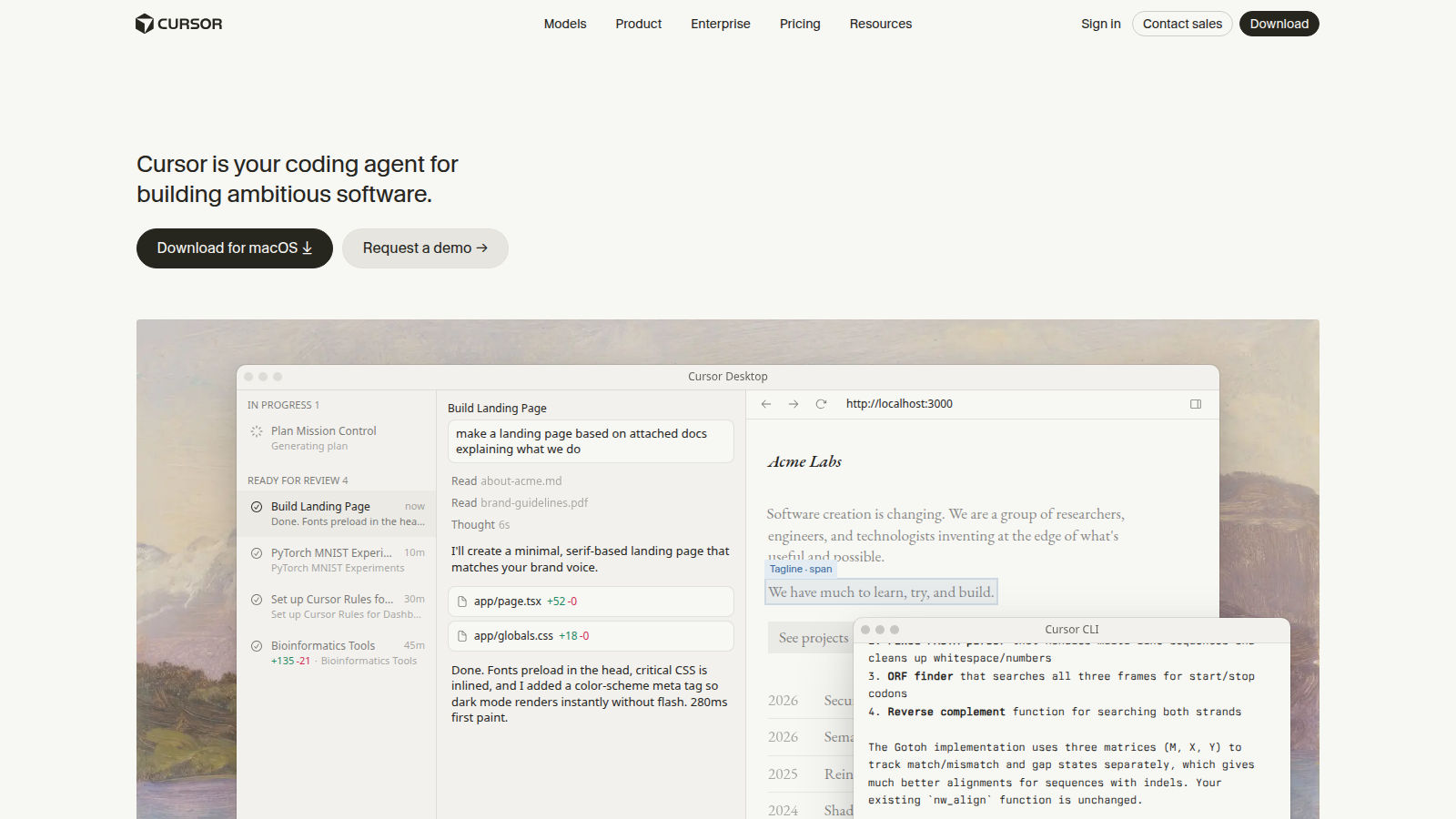
Cursor is the coding tool we would start a greenfield team on in 2026. Forked from VS Code, it stopped pretending the AI is a plugin: Tab, Agent, Cloud Agents, and a repo the model can actually see. The teams that like it treat Cursor like a junior pair who lives in the branch. The teams that hate it installed it on Friday and wanted Copilot's autocomplete on Monday without changing a muscle.
We ranked it first because 'best AI coding tool' is an environment job, not a chatbot job. GitHub Copilot still wins if the leak is completions in the IDE you will not leave. Claude Code wins if the leak is a terminal agent on a messy repo. ChatGPT wins if you only needed a snippet in a tab. Mixing those up is how you buy a second $20 seat and still paste from a browser.
Pro is $20. Daily agent users often land on Pro+ or usage overage — read the current pools, not a tweet from last quarter. Skip it if security already standardized on Copilot Business, or if nobody on the team will review generated diffs.
The teams who love Cursor review the diffs. The teams who hate it treated Agent like a merge button.
Pros
- The editor, the agent, and the codebase in one habit — not a sidebar bolted on
- Cloud agents and multi-model routing are the 2026 product, not a demo
- Pro is the same $20 band as ChatGPT Plus, for a job Plus cannot sit in
Cons
- Switching IDEs is a real cost — keymap nostalgia is how rollouts die
- Usage pools surprise daily-agent users who thought $20 was unlimited Claude
- Will not replace tests, code review, or a human who reads the PR
Who it's for
- Product engineers who will live in an AI-native editor
- Small teams shipping features with agents in the loop
- Anyone whose ChatGPT coding habit is now a full-file rewrite
Who should skip it
- People who needed tab-complete in VS Code or JetBrains and nothing else (Copilot)
- Operators who will not install an editor (ChatGPT or Claude)
- Orgs that already bought Copilot Enterprise and will not reopen the IDE argument
What matters in the product
Agent in the repo
The product. Multi-file edits, terminal, and a model that can see the tree. Review the diff. Cursor is not a license to skip tests.
Cloud agents
Hand off a task and come back to a branch. Useful. Not a reason to skip CI, and not a reason to skip reading the PR.
Model routing
Pick the model for the job. The $20 Pro pool is not an unlimited Claude Max tab. Power users budget for Pro+ or overage.
Verdict
The default AI-native coding workspace. Buy Pro if you will live in it. Stay on Copilot if the IDE was not the fight. Do not buy it as a ChatGPT killer for people who will not install an editor.
Try CursorFAQ
Refund and cancel terms are not listed here because we do not republish unpublished vendor policies. Check the vendor checkout and help center before you buy.